





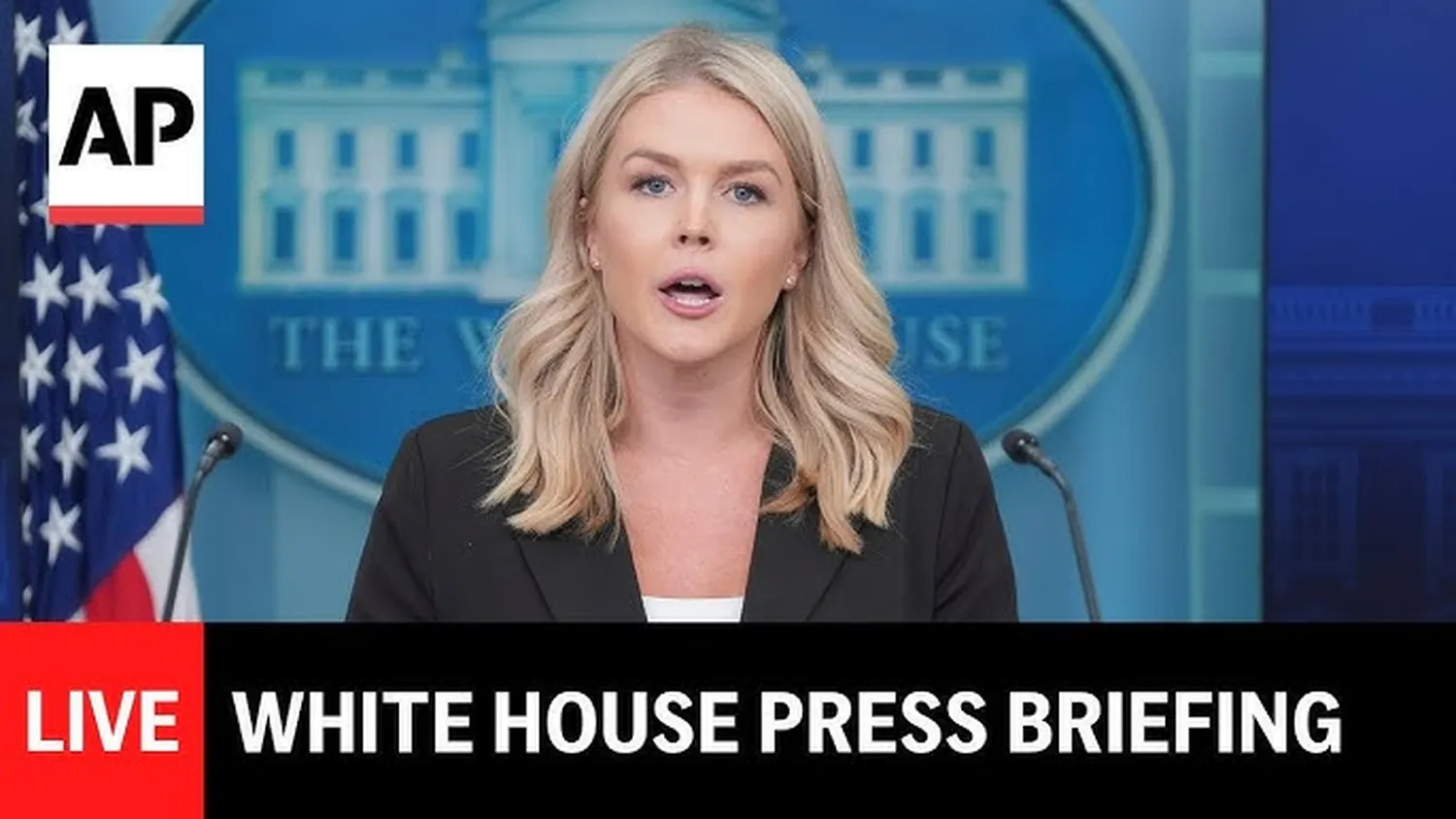
Staying informed about government executive orders, foreign affairs policy, and daily legislative updates directly from the source has never been easier. If you want to know how to watch White House press briefings live, you do not need an expensive cable package. The modern landscape allows direct access to unedited broadcasts right from your phone, laptop, or streaming television platform. This guide outlines exactly where to find high-fidelity, raw broadcasts from the James S. Brady Press Briefing Room without commercial filters or pundits cutting in.
Top Platforms for Live Streaming
When searching for a live feed, your primary goal should be finding an uninterrupted broadcast. Public affairs depend heavily on raw reporting. For viewers who care about monitoring transparency, watching these live streams is just as vital as learning how to track government spending on foreign aid across global channels.
The absolute best options include the official digital hubs provided directly by the administration, public service networks, and global web applications:
- The Official White House YouTube Channel: Offers the cleanest 4K and 1080p feeds with real-time closed captioning options.
- C-SPAN (Cable-Satellite Public Affairs Network): Accessible via C-SPAN.org, this option provides continuous coverage from the moment the press secretary steps up to the podium until the last question is answered.
- White House Live Web Portal: The administration hosts its independent video player directly on its landing domain for public security and compliance.
Step-by-Step Access Guide
Because these briefings are fluid, following a dedicated routine ensures you will not miss breaking statements from federal departments. This approach aligns perfectly with tactical media literacy, which is just as necessary as knowing how to spot fake news in political campaigns when looking for reliable facts.
1. Isolate an Official Stream Link
Avoid searching through random user-generated streams on social channels that wrap political commentary over the feed. Open the official White House YouTube page or head straight to the C-SPAN live event grid.
2. Configure Notifications On Your Mobile Device
Since press secretaries frequently adjust start times based on fluid executive meetings, turn on the bell notification on the official streaming app. This step guarantees you will receive a push notification the exact second the audio feed goes live.
3. Cross-Reference with Media Advisors
If the stream shows a placeholder graphic for longer than expected, review social feeds from trusted White House correspondents. Journalists in the briefing room often update the public on brief delays caused by unexpected scheduling changes.
How to Track Briefing Schedules
The White House releases its public schedule daily, usually late the night before or early that morning. To optimize your routine, you need to check these postings directly. For citizens deeply involved in the civic process—whether you are looking at how to register as an independent voter or trying to master how to vote in US midterm elections—knowing when officials speak keeps you ahead of the news cycle.
The executive schedule typically includes the President’s daily brief, departure times for Marine One, and the exact window reserved for the press secretary’s briefing. Keep in mind that times listed are always in Eastern Standard Time (EST).
Streaming Platform Feature Comparison
Different platforms suit different viewing needs. If you are coordinating with local community groups, analyzing structural choices or knowing how to contact your congressman directly allows you to relay these updates effectively. The table below compares the best stream platforms to help you choose the right one:
| Platform | Video Quality | Key Advantage |
|---|---|---|
| White House YouTube | Up to 4K Ultra HD | Best chat moderation and playback stability |
| C-SPAN Digital | 1080p HD Quality | Complete, unedited feed with full archival lookup |
| White House Portal | 720p / 1080p | Direct access without third-party data tracking |
Frequently Asked Questions (FAQs)
Why is the live press briefing delayed so often?
Briefings regularly start 15 to 45 minutes later than scheduled. These delays happen because the press secretary needs the absolute latest information on developing domestic situations, international conflicts, or ongoing legislative negotiations before taking questions from the press corps.
Can anyone attend a White House press briefing in person?
No, physical access to the James S. Brady Press Briefing Room is strictly limited to credentialed journalists. The White House Correspondents' Association (WHCA) manages the limited seating arrangements and daily access passes for reporters.
Where can I read the transcripts if I miss the live stream?
Full, verbatim text transcripts of every public briefing are published on the official White House website within a few hours of the event's conclusion. These documents are free to view and completely open to the public.
Conclusion: Stay Connected to the Source
Figuring out how to watch White House press briefings live gives you a direct window into executive branch operations. By leaning on unfiltered public platforms like YouTube or C-SPAN, you bypass political spin and hear policy announcements exactly as they are delivered. This direct approach helps you form your own independent conclusions about current events. Keep the official links bookmarked, check the daily schedules regularly, and use real-time alerts to make sure you never miss an official statement from the podium.