





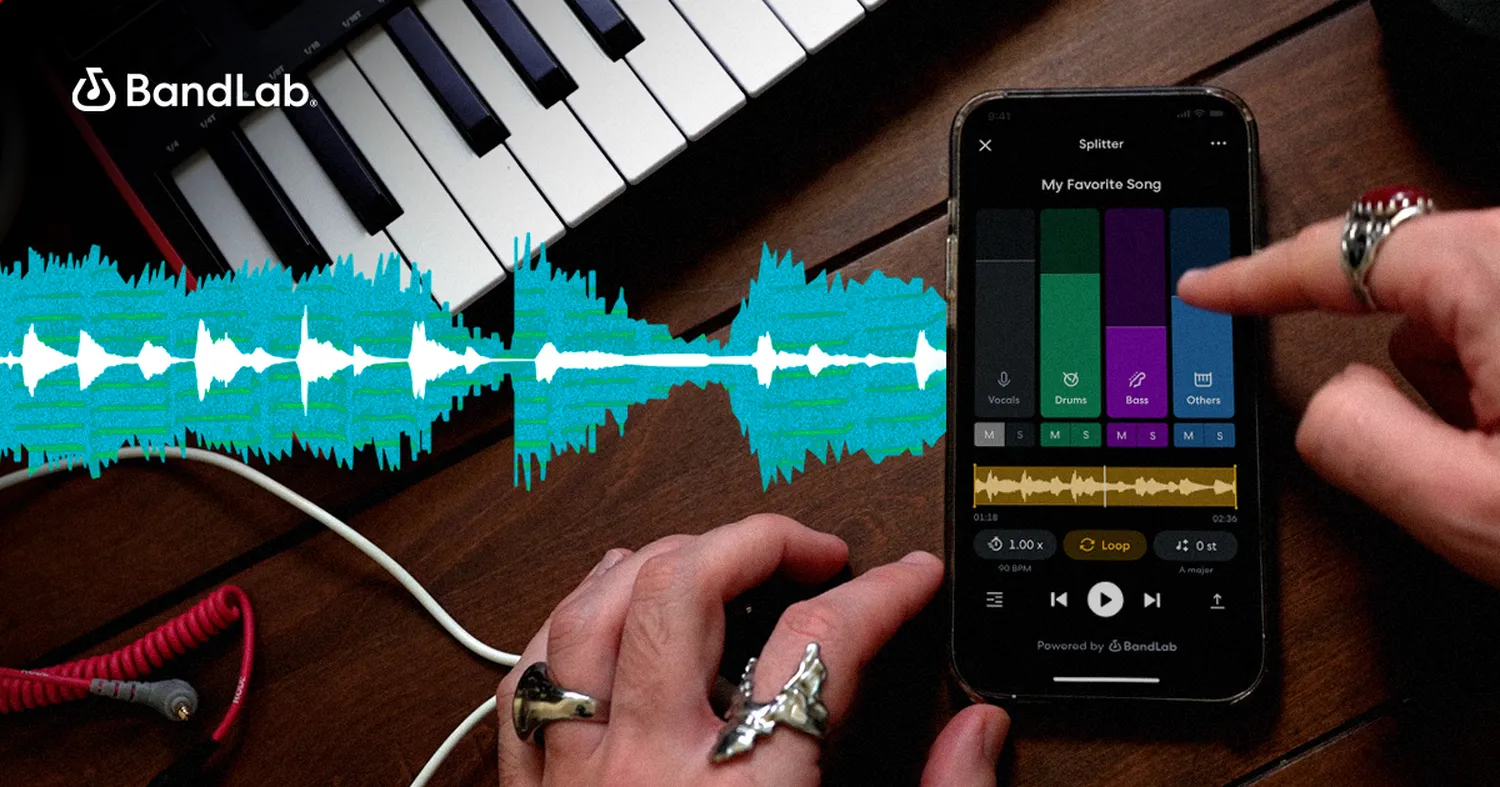
Learning how to remove vocals from a song free is an essential skill for content creators, aspiring DJs, and karaoke enthusiasts. Whether you are building custom backing tracks or gathering clear elements to map out how to make a mashup song on phone hardware, you no longer need high-end commercial recording studios to pull it off. Modern processing tools can split mixed audio files into crisp independent channels within seconds.
The Science Behind Vocal Isolation
Historically, isolating audio components meant phase-canceling the absolute center of a stereo file. Because lead singing tracks are typically positioned squarely in the middle of a stereo mix, software could reverse the audio phase of one channel to zero out the common elements. Today, machine learning models analyze structural frequencies to sort audio into distinct components (stems) such as percussion, baseline, harmony, and lead tracks.
This technical revolution means you can isolate clear singing files even from older mono mixes. If your project involves crafting audio beds for social clips, or if you want to cleanly build custom video game backgrounds alongside learning how to stream mobile games on youtube live, modern separation tools offer the necessary audio fidelity.
Best Free Tools to Remove Vocals
There are two primary approaches for isolating audio files: using direct browser-based cloud extractors or running local source code software packages on desktop workstations. Below is an overview of processing types across current free solutions.
| Tool Type | Best Options | Ideal For |
|---|---|---|
| Web-Based AI | VocalRemover.org, LALAL.AI (Free Tier) | Fast processing on any mobile or desktop machine |
| Desktop App | Audacity (Open-Source), Ultimate Vocal Remover | Offline precision control with zero usage limits |
| Mobile Tools | Moises App, SplitHit | Quick edits directly on standard mobile devices |
Step-by-Step Guide Using Browser Utilities
Cloud utilities provide the easiest method to process tracks without downloading heavy software. Follow these structural operations to process audio tracks efficiently:
- Prepare Your Audio File: Locate the audio document on your storage drive. For the best acoustic split results, make sure you how to download high quality audio from soundcloud or use master source files rather than heavily compressed copies.
- Navigate to the Extraction Portal: Access an online engine like the official VocalRemover Portal through your standard browser window.
- Upload the Song File: Tap the central file selector tool, pick your raw track (MP3, WAV, or FLAC configuration), and wait for the system to process.
- Adjust Balance Tracks: Use the interactive sliders on the processing panel to fine-tune volume levels between music layers and vocal recordings.
- Save Your Extracted Stems: Click download to export the clean instrumental track or save the isolated lyrical track individually.
How to Extract Vocals on PC Locally
If you prefer managing files directly on a personal computer without uploading sensitive audio projects online, open-source programs like Audacity are exceptionally reliable. This platform helps when organizing longer tracks intended for media platforms, such as formatting background themes before deciding how to create a podcast channel on spotify.
- Import the File: Open Audacity, choose File from the upper toolbar, and click Import to drop your track directly onto the editing timeline.
- Apply Vocal Reduction: Select the complete target track timeline, visit the main Effects menu tab, scroll down to the Special utility folder, and launch Vocal Reduction and Isolation.
- Choose Processing Actions: Set the program action dropdown command to "Remove Vocals" or select "Isolate Vocals" depending on your custom layout goals.
- Export Clean Files: Click through the main File option, choose Export Audio, and save your rendered file as a high-fidelity WAV file.
Frequently Asked Questions
Is it legal to remove vocals from a song for personal use?
Yes, stripping vocals for personal study, home karaoke practice, or structural analysis is fine. However, re-distributing or monetizing tracks that contain copyright elements without license verification can cause infringement issues.
Why do some processed files sound metallic or muddy?
When original songs feature heavy atmospheric echoes, deep reverb, or overlapping backing harmonies, algorithms can struggle to separate overlapping frequencies neatly, resulting in minor auditory artifacts.
Can I isolate individual instrument stems for free too?
Yes, advanced artificial intelligence platforms feature expanded multitrack splitting options that divide a single stereo block into individual drum patterns, basslines, piano chords, and vocal tracks.
Conclusion
Learning how to remove vocals from a song free is simpler than ever thanks to modern automated splitters and open-source local programs. By selecting clean high-fidelity audio files and using deep learning algorithms, you can isolate pristine instrumental tracks or separate vocal lines seamlessly. Pick the utility that best matches your hardware workflow and begin creating unique mixes today.