





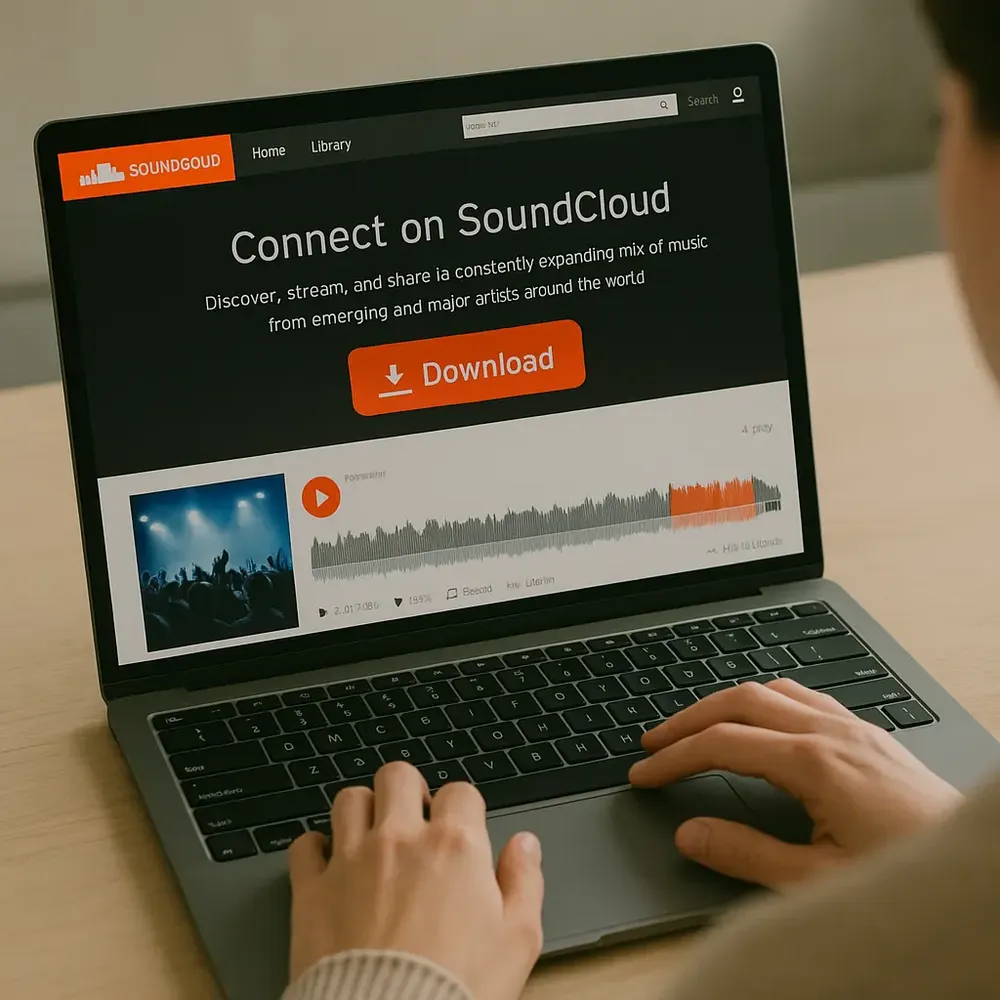
Mastering how to download high quality audio from soundcloud is a top priority for digital music enthusiasts, mobile performance disc jockeys, and remix artists. SoundCloud remains a massive collaborative open database for underground music creation, but the platform uses aggressive data compression engines to optimize its web playback performance. This extensive breakdown uncovers the precise mechanics of streaming containers, direct source extraction, and authentic resolution preservation.
Understanding SoundCloud Audio Formats and Bitrates
When a music producer uploads an uncompressed audio file (like a 24-bit studio WAV file) to their profile, the public web interface transcodes that source. Free streaming users receive a highly processed 128kbps MP3 or a 64kbps Opus audio data stream. While these formats perform optimally across low-bandwidth data networks, they cut off valuable upper-harmonic frequencies above 16kHz, resulting in flat acoustic soundscapes.
For creators learning how to make a mashup song on phone, utilizing highly degraded audio files causes major acoustic problems once timbres are stretched or pitched on a production grid. Finding or accessing the original uncompressed source matrix files ensures your arrangements remain crisp, professional, and entirely free of digital artifact distortion. Always look closely at the underlying technical architecture before processing external streams.
| Account Tier | Streaming Quality Container | Fidelity Output Rating |
|---|---|---|
| Free Profile Access | 128kbps MP3 / 64kbps Opus | Standard Mobile Output Only |
| SoundCloud Go+ Tier | 256kbps AAC (High Quality) | Near-Lossless Studio Profile |
| Direct Whitelist Link | Original File Format (WAV/MP3) | Full Studio Resolution Masters |
The Official Way: Creator-Enabled Direct Downloads
The most reliable, legally safe, and acoustically pristine technique to secure files from the platform is using the built-in direct download function. Many independent content creators explicitly enable public file downloads on their profile tracks to gain visibility and build an audience. When this preference is active, you bypass the streaming conversion layer entirely, giving you the original master file uploaded by the artist.
To utilize this official feature, launch a desktop browser or use your mobile device in desktop mode. Navigate directly to the track timeline layout and locate the interaction panel underneath the comment frame box. Click the extended option selection tab labelled "More." If the creator whitelisted this file option, you will see a clear clickable link titled "Download file." This completely avoids data degradation, handing you a flawless studio-grade blueprint. If you intend to use these files to build standalone audio feeds, consider researching the exact distribution standards via the official SoundCloud Corporate Network.
SoundCloud Go+ Offline Storage Strategy
For premium platform subscribers using the SoundCloud Go+ subscription program, the platform unlocks high-tier 256kbps AAC audio compression delivery. This specific bitrate configuration maps directly onto the top-level acoustic standards utilized by premium networks like Apple Music, preserving deep low-end sub frequencies and complex transient responses smoothly.
Subscribers can instantly cache entire artist discographies directly onto internal phone storage for high-fidelity offline listening inside the official application workspace. This is incredibly advantageous for performers testing out structural layouts in live sound environments. Once you source crisp tracks from these libraries, you can smoothly move them into advanced vocal stripping systems by tracking our deep tutorial on how to remove vocals from a song free to streamline your creative production flow.
Analyzing Third-Party Extraction Tools Intelligently
When an essential track completely lacks an official download pathway, creators often look at web-based URL extraction conversion pages. However, the vast majority of online ripping tools merely capture the default 128kbps web streaming audio stream and package it inside a misleading 320kbps MP3 file shell container. This does not magically recover lost high-frequency acoustic data; it simply bloats the file size while preserving poor web sound quality.
If you use legal web extraction systems to sample free, creative-commons promotional beats, prioritize tools that pull down raw data files without running secondary conversion processes. Once your high-quality tracks are fully organized, you can easily repurpose your audio discoveries into multi-platform modern digital assets by discovering our guide on how to create a podcast channel on spotify to maximize your visibility.
High-Fidelity Audio Assessment Checklist
- Always analyze unknown downloaded tracks inside a spectrum analyzer to confirm frequency extension above 16kHz.
- Avoid using web extractors that flood your desktop browsers with dangerous tracking scripts or unauthorized redirects.
- Prioritize downloading lossless uncompressed WAV or AIFF file extensions whenever they are made available by artists.
Frequently Asked Questions
Why can't I find the download option inside the SoundCloud mobile app?
The native mobile application layout restricts raw file saving to protect intellectual property rights. To download files natively, you must access the platform workspace using a desktop web browser engine configuration.
Does converting a SoundCloud stream to a 320kbps MP3 upgrade the quality?
No. You cannot generate new acoustic fidelity from a compressed source stream. If the web source stream runs at 128kbps, the final file will retain that exact compression value regardless of your output file settings.