





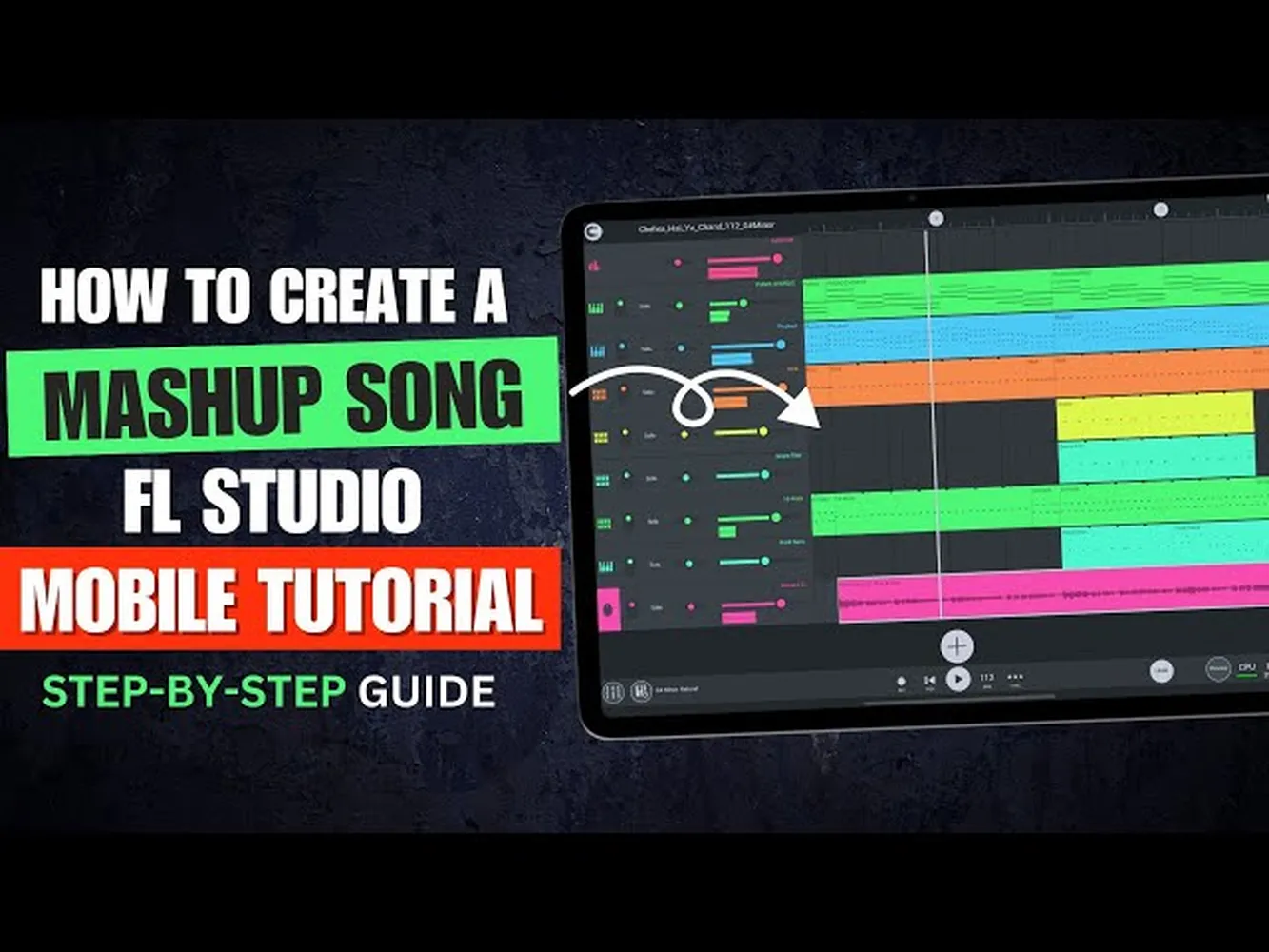
Learning how to make a mashup song on phone has transformed from a casual hobby into an essential skill for modern digital creators, TikTok curators, and aspiring DJs. With processing power matching older desktop setups, smartphones running iOS or Android can cleanly dissect, align, and reconstruct multi-track projects anywhere. This guide outlines the professional techniques required to master audio alignment, structural pacing, and clean exports directly from your handheld device.
Core Concepts of Mobile Mashup Production
Before launching an editor, matching the underlying properties of your audio choices determines whether your track sounds cohesive or cluttered. Every successful mashup relies on two fundamental variables: Beats Per Minute (BPM) and Harmonic Signature (Musical Key). If you take an acapella with a slower cadence and drop it over an upbeat pop instrumental, the resulting output will clip or sound unnatural unless adjusted precisely.
To begin, creators often choose one primary backing track (usually the structural rhythm or instrumental base) and find vocal tracks that fall within a close technical threshold. For instance, shifting a track by more than 10-15 BPM usually distorts human voice timbres to an undesirable degree. Before mixing, you might want to learn how to remove vocals from a song free using specialized isolation tools to ensure your acapella layers do not contain residual instrumental frequencies.
| Step Type | Optimal Parameters | Key Focus |
|---|---|---|
| BPM Adjustment | ± 8% Maximum Deviation | Preserve natural vocal performance values |
| Key Pitching | ± 2 Semitones Max | Avoid severe audio distortion elements |
| Audio Source | 320kbps MP3 / WAV | Maintain crisp acoustic output profiles |
Top Mobile Applications for Audio Mixing
Professional audio execution depends heavily on working with environments that provide native multi-track support, elastic time-stretching algorithms, and modular equalizer units. The landscape currently features highly specialized options tailored to specific production approaches:
- BandLab (Android/iOS): A massive cloud-based Digital Audio Workstation (DAW) that operates smoothly on mobile phones, presenting precise track cutting tools, automation lanes, and high-tier built-in mastering plugins.
- GarageBand (iOS Only): An incredibly stable benchmark tool for iPhone music performance that handles linear sampling, pitch grid locking, and custom arrangement blocks effortlessly.
- djay Pro (Android/iOS): Best suited for creators who want to mix tracks live on a dual-deck setup using real-time AI audio separation modules.
High-fidelity files are vital for ensuring your tracks don't distort when stretched across the timeline. Check out our comprehensive walkthrough on how to download high quality audio from soundcloud to source top-tier, uncompressed source material for your projects.
Step-by-Step Guide: Building Your First Mashup
Once your software sandbox is configured and your assets are ready, execute the creation process through this disciplined structural sequence:
- Import and Set the Master Tempo: Import your core instrumental track into track lane one. Analyze its default BPM via external lookups or internal analyzer algorithms, then set your master project timeline grid to match that identical speed.
- Vocal Extraction and Alignment: Bring your second song file into track lane two. Ensure you isolate the vocal sections properly. Align the absolute downbeat (the structural starting point of a verse or chorus block) precisely with the grid markers of your instrumental track.
- Time-Stretch and Phase Synchronize: Activate the elastic time-stretch features within your chosen application to match the vocal track cadence directly to the instrumental speed baseline without warping the tonal qualities of the audio performance.
- Volume Balancing and Volume Automation: Adjust your overall track gains. Typically, raw vocals sit higher on input levels, meaning you must lower their absolute volume or create custom gain ramps so they settle smoothly into the surrounding mix architecture.
Polishing Your Mix with Advanced EQ Adjustments
The defining element that separates amateur mobile experiments from professional edits is frequency space management. Two competing audio signals cannot occupy identical sonic frequencies without causing muddy output. Use a three-band parametric equalizer tool on your phone to carefully carve out room for your vocals to breathe.
Drop the low frequencies (bass shelves below 120Hz) completely out of your vocal track. This removes unwanted rumbling artifacts and leaves that particular space completely free for the kick drums and sub-bass melodies of your backing instrumental track. Similarly, a subtle 1-2dB boost around the 3kHz-5kHz high-mid range can give your mobile vocal performance incredible clarity, pulling it right to the front of the auditory presentation. For more advanced recording strategies, you may want to research fundamental capture techniques outlined in standard manuals on the Audio Alliance Platform.
Once your finalized mashup track sounds professional, clear, and perfectly balanced, you can transition your creative output into long-form digital content assets. You can launch your custom projects across various distribution channels by reviewing our manual on how to create a podcast channel on spotify to quickly maximize your audience reach.
Pro-Level Mobile Editing Checklist
- Always monitor your master track meters to guarantee no clipping occurs at transition thresholds.
- Apply smooth, subtle 0.5-second crossfades at structural cut regions to hide abrupt ambient shifts.
- Export your final project files exclusively in uncompressed WAV format formats to ensure supreme resolution playback.
Frequently Asked Questions
Will making a mashup song on my phone decrease the final audio quality?
No. As long as you import high-resolution source files (like 320kbps MP3 or lossless WAV structures) and export your project using matching pristine formats, your mobile device handles processing with complete technical fidelity.
How do I fix vocals that sound off-beat inside mobile DAWs?
Zoom closely into your application timeline workspace, look for the literal visual waveforms of the vocal transients (the sharp audio peaks at the start of words), and drag them precisely onto the principal beat markers of your project grid.