





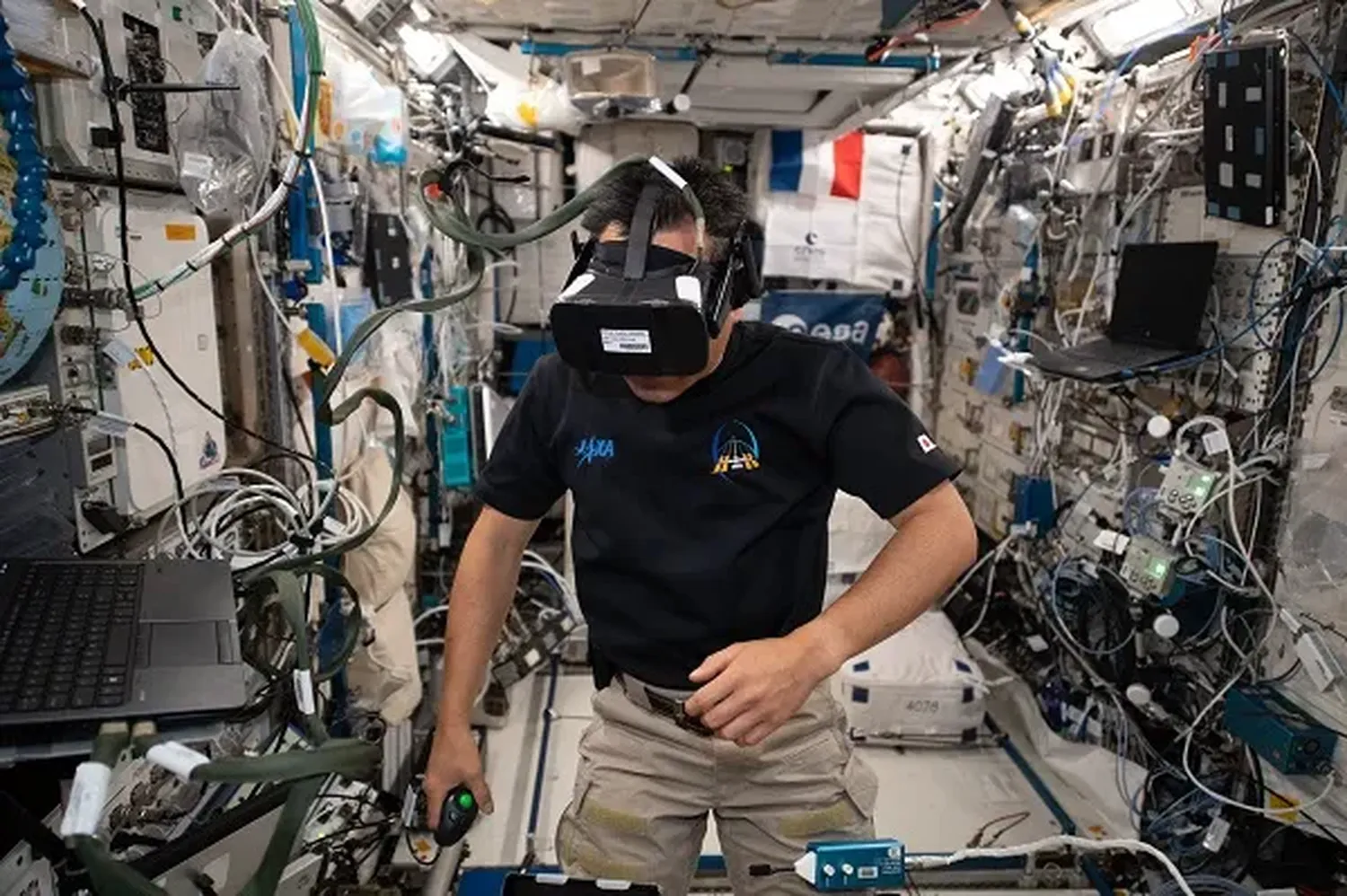
Abstract concepts in physics like Kepler’s laws, gravitational field distortion, and stellar mechanics can be incredibly difficult for high school students to grasp from flat textbook graphics. Bringing these phenomena into three-dimensional space bridges the gap between complex mathematical expressions and visceral visual understanding. Learning how to set up augmented reality space simulations for high school physics provides an invaluable pathway to vibrant, hands-on science laboratories.
By superimposing digital planetary frameworks onto a physical room, students can walk directly through warped space-time, manually configure orbital parameters, and track real-time force vectors. This technical guide outlines the equipment checklist, software provisioning steps, and pedagogical frameworks required to transform any laboratory desk into an interactive cosmos.
1. Core Infrastructure Checklist
Deploying interactive augmented reality spaces does not require restrictive or incredibly expensive specialized headsets. Modern mobile environments present high-quality tracking engines out-of-the-box. Before staging lessons, ensure your hardware parameters meet standard operational baselines to prevent app crashes or spatial tracking drifts during instructional time.
| Component | Minimum Requirement |
|---|---|
| Devices | Tablets or phones with ARKit or ARCore (iOS 13+ / Android 9.0+) |
| Processor & RAM | Hexa-core CPU / 4GB Minimum System RAM for smooth frame rates |
| Network | 5 GHz dual-band local Wi-Fi router (802.11ac wireless infrastructure) |
| Tracking | High-contrast, matte floor/desk mats with unique geometric identifiers |
| Lighting | 300+ lumens overhead illumination without localized glare zones |
For smooth processing, aim for devices built within the last three to four years. Stable tracking maps rely heavily on clean environmental lighting. Dimly lit labs or overly reflective glossy desks break standard surface detection mechanisms, making digital orbits shift randomly around the desk surface. Furthermore, ensuring that device lenses are clear of smudges prevents depth-sensor confusion during complex vector rendering.
2. Selecting the Software Platform
Choosing your main software application depends on how customized you want your lessons to be. Turnkey solutions like Merge Edu, Star Walk 2, and Civilisations AR provide polished, pre-built models instantly. These plug-and-play resources are ideal for studying the scale of the solar system or basic planet tracking without long installation sessions.
If you want to create custom labs, you can guide tech-focused students to load asset pipelines using open-source creator ecosystems like Unity or WebXR engines. Instructors can easily learn how to implement augmented reality space apps for high school science classes by linking simple drag-and-drop frameworks with external assets. This method allows you to import authentic telemetry models from global space agencies directly into student sandboxes. For instance, teams can discover how to integrate NASA API data into open source school software to fuel their localized tracking canvases with real-world orbital trajectories.
3. Step-by-Step Classroom Deployment
Follow this structural procedure to correctly configure a stable workspace for small student lab groups:
- Provision the Handsets: Update your master operating systems across all devices. Pre-load your chosen AR apps and verify that camera permissions are enabled for space mapping. Check battery optimization parameters to prevent throttling during active rendering.
- Calibrate Space Anchors: Tape a high-contrast physical tracker sheet or a textured mat flat onto the workspace. This gives the device camera clear reference points to lock onto and prevents unexpected shifting.
- Establish Ambient Lighting: Turn on bright overhead lighting. Avoid direct sunlight coming through side windows, as shifting shadows or moving clouds can throw off object positioning.
- Anchor the Coordinates: Have students open the app and slowly pan their camera over the desk mat in a circular motion until the grid system Locks in place. Ensure they map at least one square meter of flat plane.
- Run a Test Model: Launch a simple baseline simulation, like a spinning Earth model, to verify that the view stays locked when walking around the table.
4. Advanced Calibration and Troubleshooting
In a classroom filled with thirty students and active radio interference, technical hurdles can surface. If a student group experiences a structural breakdown in rendering, use these technical overrides:
Overheating Mitigations: Rendering complex physical particles in real-time strains mobile GPUs. Instruct students to lock their refresh rates to 30Hz inside the app settings if available, or take two-minute observation breaks between long data collections.
Multi-Device Interference: When multiple tablets attempt to scan the exact same desk surface simultaneously, local infrared or visual tracking conflicts might occur. Separate workspace centers by at least 1.5 meters to ensure clean background isolation.
Technical Note: If an object drifts or slides across the table, the device has lost its spatial tracking lock. Simply reset the camera path over the tracking card or recalibrate the ground plane to instantly re-center the simulation coordinates.
5. Designing High-Impact Lab Activities
The true power of an augmented reality environment lies in its deep mathematical and observational value, rather than just the visual wow factor. Try structuring lab worksheets around quantitative problems that students must solve by interacting with the 3D models.
Orbital Mechanics and Kepler's Third Law
Have students launch a binary star system or a planet-satellite array within the app. By manipulating mass variables and watching the velocities change in real-time, students can calculate orbital periods directly. To make these lessons even more inspiring, show your class how to teach space science by inspiring students through Hubble telescope discoveries. This connects real-world deep space physics directly to their classroom desk simulations.
Visualizing Gravitational Field Wells
Instead of just sketching standard field lines on a whiteboard, an AR space allows students to drop massive virtual elements like white dwarfs or black holes right into the middle of the room. They can look at the field from the side to see space-time curvature firsthand, and drop test particles to measure how gravitational acceleration drops off at different distances (1/r²).
To help students understand the real scale of these cosmic structures, you can use raw space imagery alongside your simulations. Teachers often look at how to use high resolution NASA space photos in classroom presentations to blend crisp, true-color deep field views directly into the backdrop of their AR layout calculations.
6. Pedagogical Frameworks & Student Assessment
To ensure that students don't treat AR labs as passive entertainment, embed standard quantitative metrics into your grading framework. Have students track variables such as eccentricities, semi-major axes, and tangential velocities directly from the spatial readout indicators.
Consider introducing an "AR Experimental Design Portfolio" where student groups must record short 30-second screen-captures explaining vector transformations. By voicing over their physical movements around the digital system, students demonstrate their understanding of angular momentum and escape velocity principles far better than they would on a standard multiple-choice quiz.
7. Frequently Asked Questions
Do I need expensive VR goggles to run these space labs?
Not at all. Standard educational tablets and mobile devices use built-in cameras to render highly accurate AR content, saving schools from buying costly dedicated headsets.
What should I do if the digital solar system keeps drifting away from the desk?
Drifting is usually caused by blank, untextured surfaces or dim lighting. Placing a textured, high-contrast mat or drawing marker patterns on the surface gives the camera a solid visual anchor to lock onto.
Are there free open-source catalogs available to build my own models?
Yes, open portals from NASA and other astronomy libraries offer public access to ephemerides and 3D stellar files that plug easily into web creation apps.
Conclusion: Transforming the High School Physics Lab
Setting up augmented reality space simulations transforms abstract equations into an interactive, hands-on learning environment. By following structured workspace setups and focusing on quantitative lab goals, physics teachers can bring intuitive spatial insights directly to their students. Embracing these immersive tools helps high school labs deliver deep, memorable, and scientifically accurate explorations of the cosmos.