





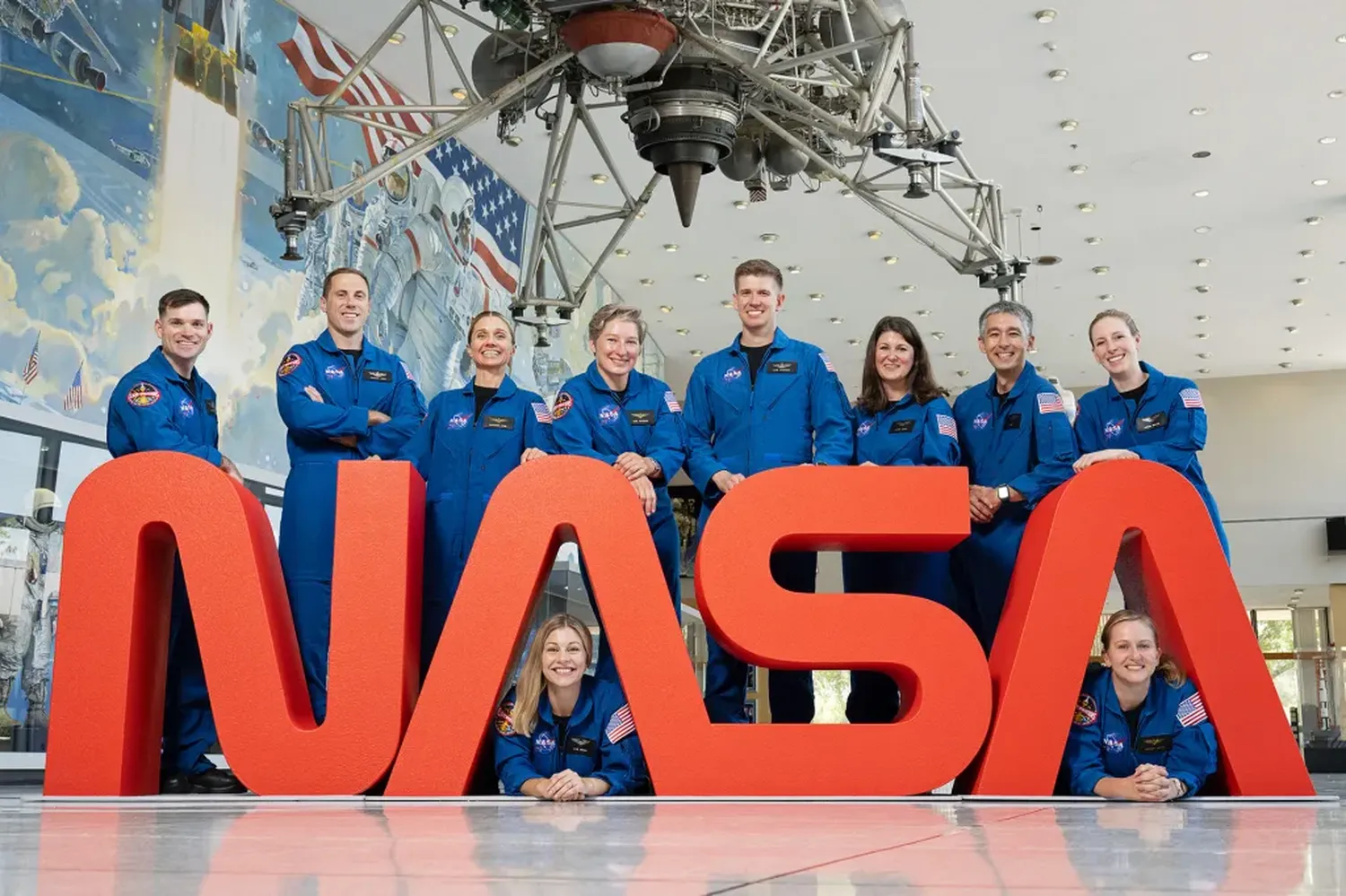
Capturing student attention requires visuals that transcend ordinary textbook diagrams. By learning exactly how to use high resolution NASA space photos in classroom presentations, teachers can bridge the gap between abstract physics formulas and the vibrant, awe-inspiring reality of deep space. Leveraging public domain planetary media hubs allows you to construct jaw-dropping lecture decks that foster curiosity while maintaining rigorous academic accuracy without costing a single dime in subscription or copyright fees.
Sourcing Pristine NASA Media Libraries
NASA hosts a wide variety of public assets on its open-access imagery indexes. For instructors looking to populate astronomy slide decks, the main platform at NASA Images and Video Library serves as a comprehensive search catalog. Using precise keyword targets like nebula structures, lunar landing modules, or planetary rings yields raw, uncompressed captures perfect for classroom displays.
If your school lectures look past static slides to run live digital elements, finding out how to integrate NASA API data into open source school software will allow you to stream fresh visual cards, deep-space telemetry grids, and daily planetary updates straight into localized online learning panels automatically.
Formatting Large Files Without Sluggish Slides
Ultra-high-definition pictures taken by space assets frequently exceed 50 megabytes per file, which can easily cause presentation tools to stall. To maintain smooth transitions on older school computers, use specialized image downscaling. Converting bulk assets into presentation-ready, high-fidelity WebP or compressed JPEG layers keeps your layout responsive while preserving important celestial details.
For tech-savvy teachers building customized school database resources or dynamic course portals to archive these downloaded media assets safely, referencing a guide on how to access free open source space data for educational software developers helps map out programmatic paths to store cosmic media alongside lesson texts efficiently.
| Target Screen | Ideal Resolution | File Format |
|---|---|---|
| School Projector | 1024 x 768 px | Compressed JPEG |
| HD Smart Board | 1920 x 1080 px | Standard WebP |
| 4K Monitor Rig | 3840 x 2160 px | High Quality PNG |
Pedagogical Strategies for Maximum Classroom Impact
To maximize student engagement, avoid displaying raw pictures without contextual background. Pair deep-space imagery with guided discovery prompts. For example, instead of simply labeling an image as a supernova remnant, ask students to analyze the expanding gas cloud rings to evaluate thermodynamic dispersal mechanisms. Using full-bleed imagery as an introductory backdrop sparks immediate student conversation before diving into dense equations.
If your physics curriculum uses deep-space visual examples to inspire your classes, incorporating strategies from our blueprint on how to use Hubble telescope images for inspiring next generation scientists will show you how to tie specific telescope instruments directly to core physical principles like light diffraction and wave expansion.
Technical Optimization Checklist for Educators
Before stepping up to project your slide deck to a room full of students, double-check your display settings. Projectors in science wings often alter color balances, which can wash out subtle dust lane details in distant galaxies. Manually bumping up contrast profiles slightly on your presentation system ensures deep-space structures show up crisply even in poorly dimmed classrooms.
If you prefer to design native apps or build bespoke interactive learning platforms to present space data on classroom screens, referencing our manual on how to build educational space apps using free open source astronomy data provides practical UI wireframes to present complex visual files beautifully without lagging mobile student clients.
Frequently Asked Questions
Do I need formal copyright approval to use NASA photos in school?
No, NASA material is generally non-copyrighted and rests squarely within the public domain, allowing public educational institutions to use it for non-commercial teaching purposes freely.
Why do some downloaded deep space photos look overly dark on school smart boards?
Smart boards often use conservative light-emission settings. Adjusting your slide tool's integrated image brightness by roughly 10% solves this issue without blowing out color profiles.