





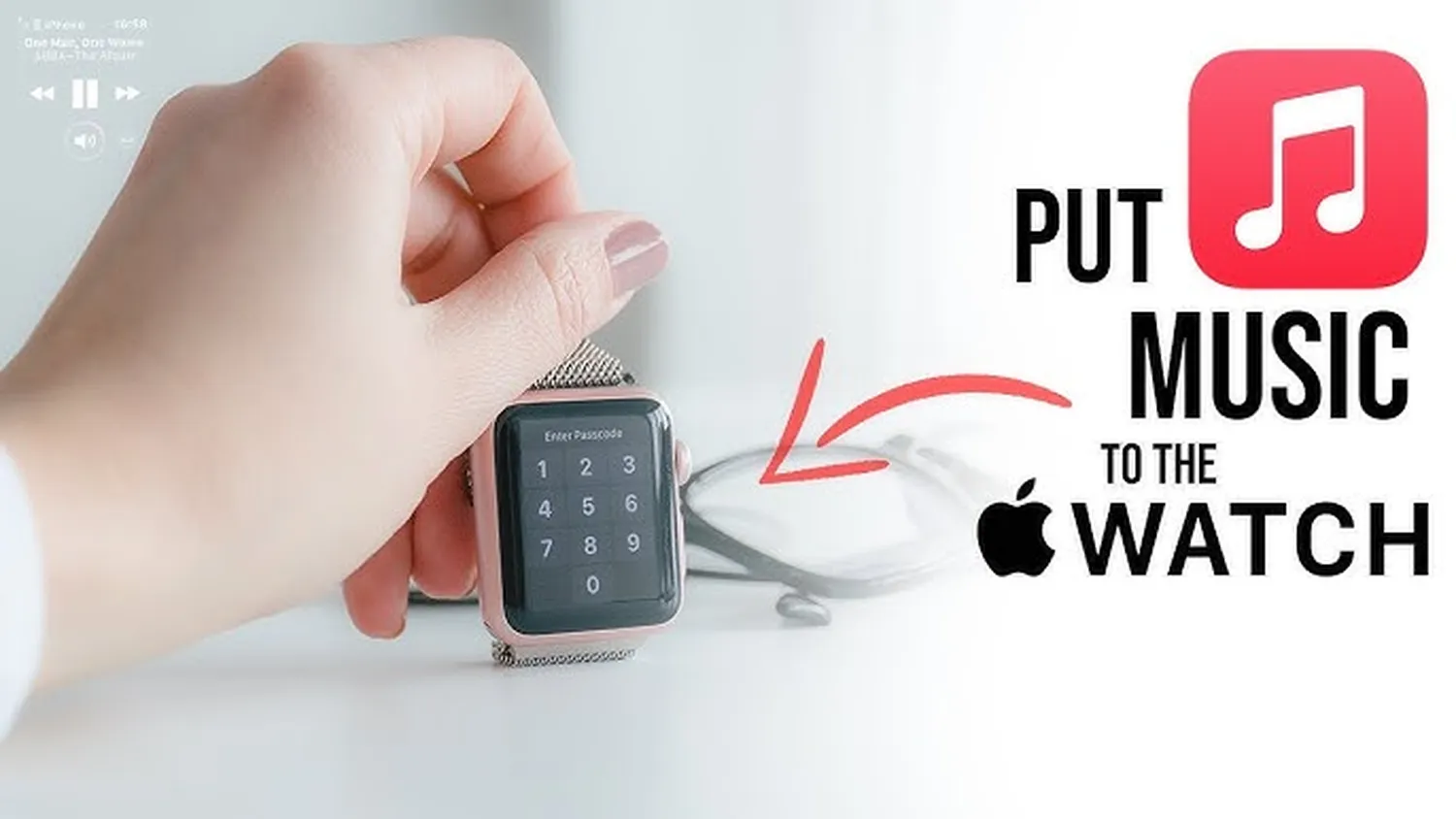
Leaving your phone behind during an intensive workout session or a long outdoor run shouldn't mean sacrificing your favorite soundtracks. Learning how to put music on apple watch without iphone gives you total audio freedom right from your wrist. Modern watchOS editions handle background network operations independently, meaning your smartwatch can easily download track segments, assemble premium playlist archives, and synchronize content without ever communicating with a parent iPhone device.
Whether you want to learn how to listen to music offline without data or stream files directly on a cellular connection, this modern walkthrough breaks down everything you need to get independent audio working seamlessly.
Core Hardware Requirements
Before executing the transfer process, you need to ensure your hardware is properly configured for independent, standalone operation. Your smartwatch cannot play audio directly out of its built-in internal alert speaker, meaning proper pairing adjustments must happen beforehand.
- WatchOS Updates: Your wearable must run on modern software variations to properly download media elements without an iPhone nearby.
- Internet Connectivity: A native Wi-Fi login or an active cellular data plan mapped onto an integrated eSIM system is required.
- Audio Accessories: You need paired Bluetooth wireless accessories, such as AirPods, sports buds, or a portable smart speaker.
If your digital catalogs are still locked on alternative music accounts, you might first want to check out how to transfer playlist from apple music to spotify before saving everything locally onto your watch.
Step-by-Step: Download Directly on the Watch
If you prefer local file access to preserve battery juice or to avoid data overages entirely, pulling audio files directly into your wearable's built-in memory chips is the safest bet. Follow these sequential steps while connected to a strong local network link:
- Press the Digital Crown to view your main home app arrangement, then open the integrated Settings panel.
- Tap on Wi-Fi and confirm that your device is connected directly to a high-speed wireless access point.
- Launch the native Music app directly from your wrist grid.
- Navigate to your personal cloud collections, or use the integrated search icon to locate a preferred track.
- Tap the three vertical dots indicator right next to the target album item, then select the down-arrow Download icon.
Once saved locally, these tracks will stay accessible even when your phone is completely powered down. This process works identically to loading content on standard mobile storage configurations, similar to the process when you learn how to download songs from boomplay to phone storage.
Standalone Streaming Apps (Spotify & Apple Music)
If you own an Apple Watch LTE cellular variation, you do not need to fill up your limited physical drive sectors with offline media databases. Instead, you can run high-fidelity audio streams natively using official client apps downloaded straight from the watchOS App Store platform.
| Platform | Offline Storage | Direct Streaming |
|---|---|---|
| Apple Music | Supported (Native) | Wi-Fi & Cellular Data |
| Spotify App | Premium Only | Standalone Mode Enabled |
For alternative platform setups, reading through our guide on how to make a playlist on spotify for beginners will quickly help you optimize your layout. Make sure you toggle on the independent streaming switches found within your watch app configuration panel to enable phone-free listening.
Storage Allocations and File Limitations
Keep in mind that smartwatches carry strict maximum data limits regarding how much internal media storage space they allow users to fill. Apple caps local song collections to prevent essential system utilities from running out of processing memory headroom.
According to the official Apple Support Documentation, typical watches reserve up to 25% of their total capacity for audio files. If you find your watch face returning storage warning notifications, you can easily remove outdated albums or clear system temporary file caches via your settings panel, much like learning how to clear spotify cache to save space on alternative player devices.
Frequently Asked Questions
Can I download music directly on Apple Watch without using an iPhone?
Yes. As long as your Apple Watch is connected directly to a Wi-Fi or cellular network, you can browse, download, and stream audio directly via Apple Music or Spotify standalone apps.
How much storage does an Apple Watch have for offline songs?
Apple Watch models generally allocate up to 25% of their total internal capacity for media files. For example, a 32GB watch allows roughly 8GB of storage space for offline music tracks.
Do I need Bluetooth headphones to play music from my watch?
Yes, you must connect Bluetooth headphones or an external speaker. The Apple Watch integrated system speaker does not support direct media playback.
Conclusion
Setting up your watch for phone-free audio is an absolute game-changer for active routines. By either using standalone live streaming setups over an active cellular data signal or downloading albums straight into internal flash storage chips using local Wi-Fi connections, you can reliably run audio anytime. Just pair your favorite wireless headphones, launch your platform app of choice, and enjoy seamless music directly from your wrist.