





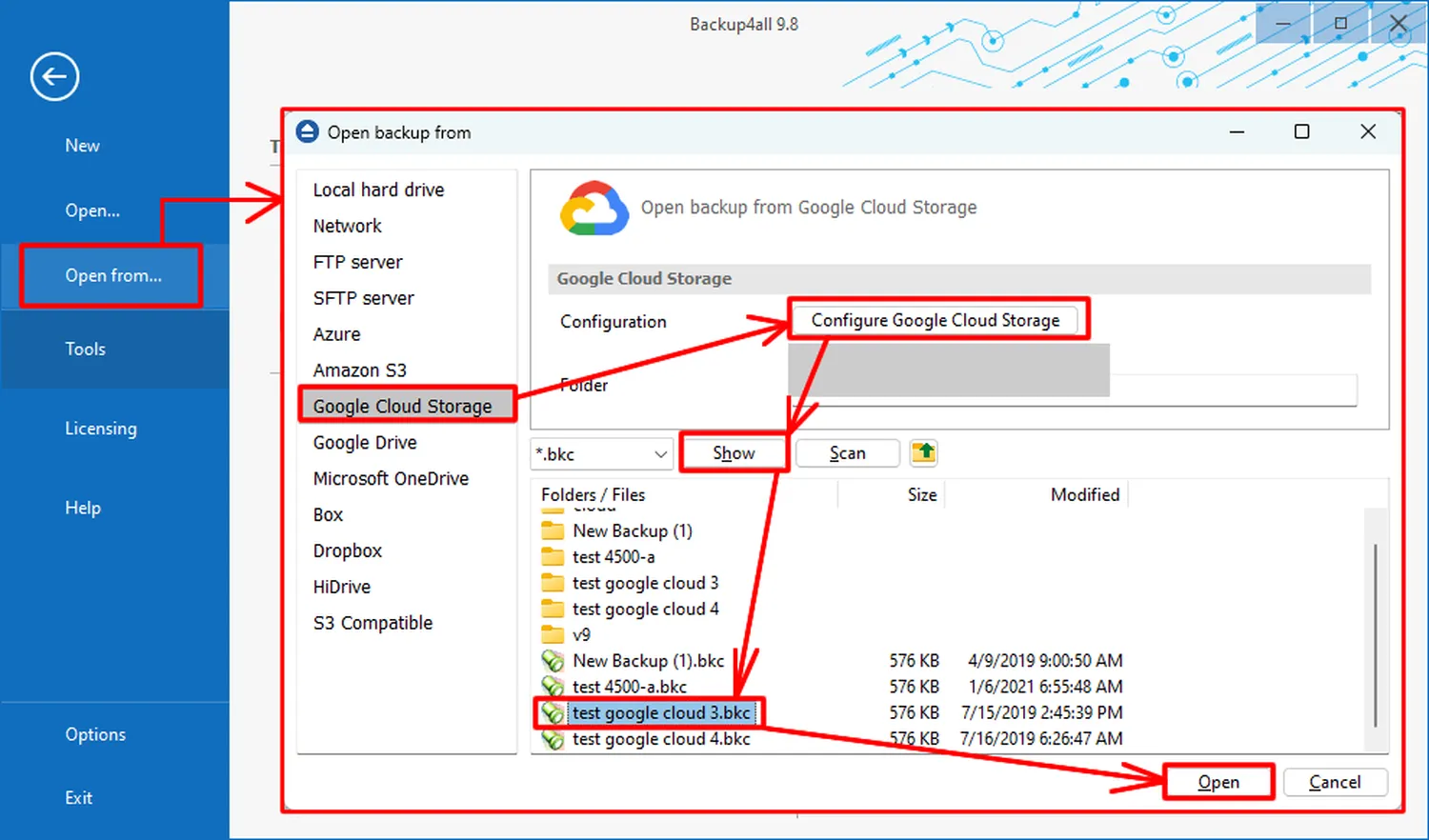
Understanding how to move data from Google Cloud to local storage is a critical skill for anyone managing digital assets in 2026. Whether you're looking to cut cloud costs or simply want a physical backup, transferring files from Google Cloud Storage (GCS) to your local drive can be done quickly if you use the right tools. In this guide, we break down the most efficient methods, from simple browser downloads to advanced command-line syncs.
Effective Methods for Data Migration
There are several ways to pull your data. For a few small images, the Google Cloud Console "Download" button works fine. However, for massive datasets, you need a more robust solution to ensure you don't experience corrupted files. If you find your transfer is failing repeatedly, you may need to learn how to troubleshoot failing autonomous task loops to keep your migration on track.
How to Move Data via gsutil (Recommended)
The most reliable way how to move data from Google Cloud to local storage is using the gsutil tool, part of the Google Cloud SDK. It handles large bulk transfers effortlessly. Follow these steps:
- Install SDK: Download the Google Cloud SDK to your computer.
- Auth: Run
gcloud auth loginin your terminal. - Command: Use the multi-threaded flag for speed:
gsutil -m cp -r gs://your-bucket-name/folder C:\Users\LocalPath
This method is highly effective if you are also trying to stop AI agents from accessing private data by physically removing it from the cloud environment.
2026 Egress Costs & Performance
Moving data out of Google Cloud isn't always free. You must consider "Egress" fees, which is the cost Google charges to send data out of their network. Below is a current look at typical transfer stats in 2026:
| Data Type | Transfer Speed | Est. Cost (per GB) |
|---|---|---|
| Standard Storage | High | $0.08 - $0.12 |
| Nearline Storage | Medium | $0.01 (Retrieval fee) |
| Archive Storage | Slow | $0.05 (Retrieval fee) |
Advanced Syncing with Rclone
For users who want to automate their backups, Rclone is an incredible third-party tool. It allows you to treat your Google Cloud bucket like a local folder. This is perfect for those who have already learned how to set up a sovereign personal cloud and need to sync their data daily without manual intervention.
Expert External Resources
- Official Google Cloud gsutil Documentation
- Rclone Setup for GCS Guide
- Google Cloud 2026 Egress Pricing Table
Once your data is local, the possibilities are endless. You could even use that data to learn how to run a Large Language Model (LLM) on my smartphone using your newly localized datasets.
FAQs on Data Transfers
Is it free to download data from Google Cloud?
No. While the storage itself is cheap, Google charges for "Network Egress" when data leaves their servers to your local machine.
What is the fastest way to move 1TB of data?
Using gsutil -m (multi-threaded) is significantly faster than the browser-based console for large transfers.
Conclusion
Mastering how to move data from Google Cloud to local storage ensures you remain in control of your digital life. As AI continues to evolve, keeping your data local is the best way to maintain privacy. For more advanced management, see how to prompt AI agents for long-term project planning to help organize your future migrations.