





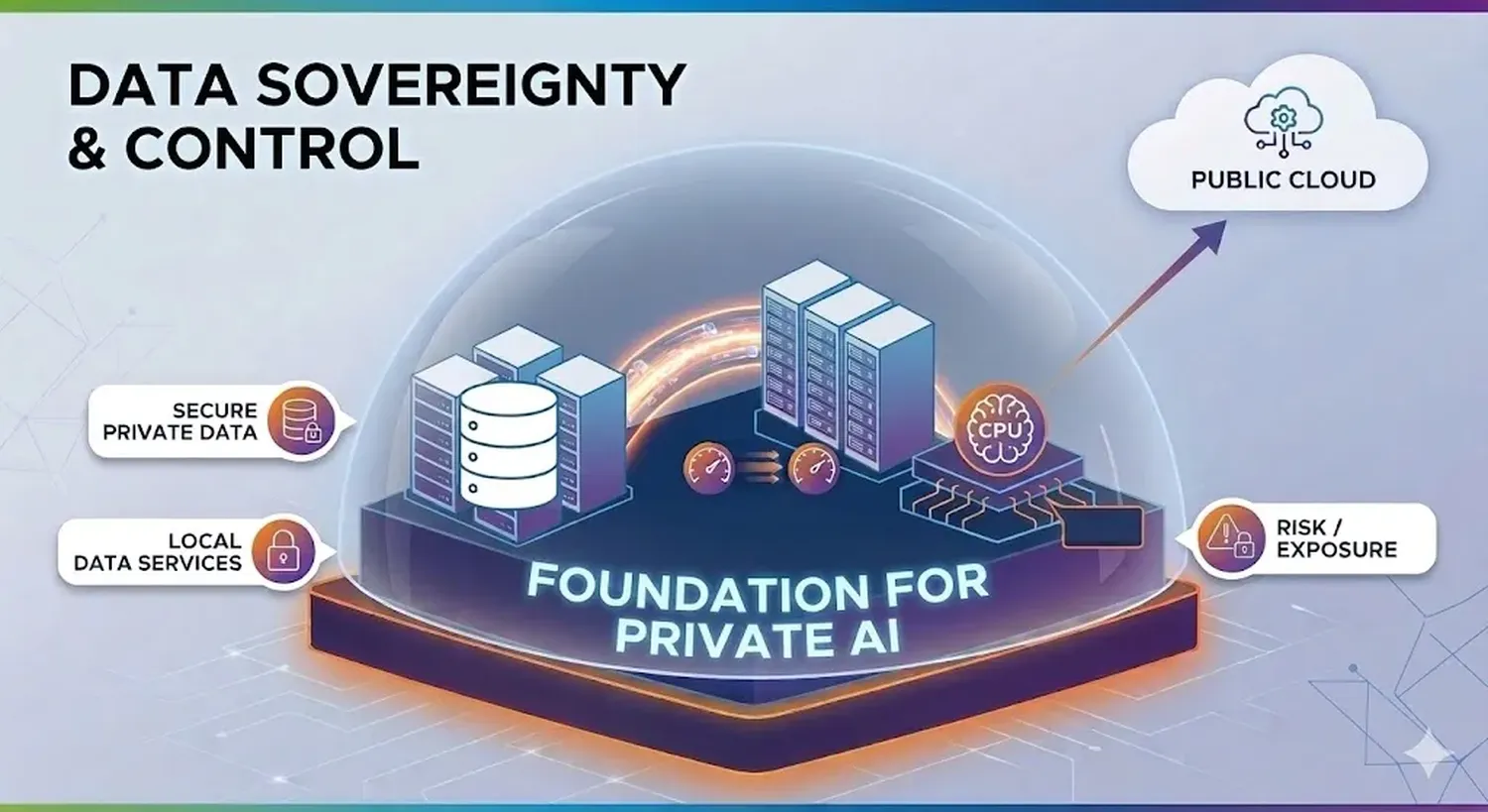
Why You Need a Sovereign Personal Cloud
In 2026, data is more valuable than oil. Traditional cloud providers use your files to train AI models without your explicit consent. A Sovereign Personal Cloud ensures that you own the encryption keys and the physical hard drives where your memories and documents live.
Essential Hardware for Private Hosting
To start your journey, you need a server. In 2026, the Raspberry Pi 5 or a Mini PC (N100) are the gold standards for low-power, high-performance home hosting.
| Component | Recommended Spec |
|---|---|
| Processor | 4-Core ARM or Intel x86 |
| RAM | 8GB minimum (for Docker overhead) |
| Storage | 2TB NVMe SSD for reliability |
The Setup: Copy & Paste Deployment
Once you have your Linux server ready (Ubuntu 24.04 recommended), use Docker Compose to deploy Nextcloud. This is the fastest way to get your sovereign cloud online.
docker-compose.yml
version: '3'

services:
  nextcloud-db:
    image: mariadb:10.6
    command: --transaction-isolation=READ-COMMITTED --binlog-format=ROW
    restart: always
    volumes:
      - db_data:/var/lib/mysql
    environment:
      - MYSQL_ROOT_PASSWORD=SecurePassword2026
      - MYSQL_PASSWORD=CloudUserPass
      - MYSQL_DATABASE=nextcloud
      - MYSQL_USER=nextcloud

  nextcloud-app:
    image: nextcloud:latest
    ports:
      - 8080:80
    links:
      - nextcloud-db
    volumes:
      - nextcloud_data:/var/www/html
    restart: always

volumes:
  nextcloud_data:
  db_data:
External Resources for Data Privacy
To further enhance your knowledge on digital sovereignty, explore these authoritative resources:
Nextcloud Official - The #1 Open Source Cloud Platform.
Privacy Guides - Tools to protect your digital rights.
Docker Documentation - Learn how to scale your home server.
WireGuard VPN - Secure remote access to your server.
Internal Tip: If you're building a truly smart home, check out our guide on how to stop AI agents from accessing private data.