





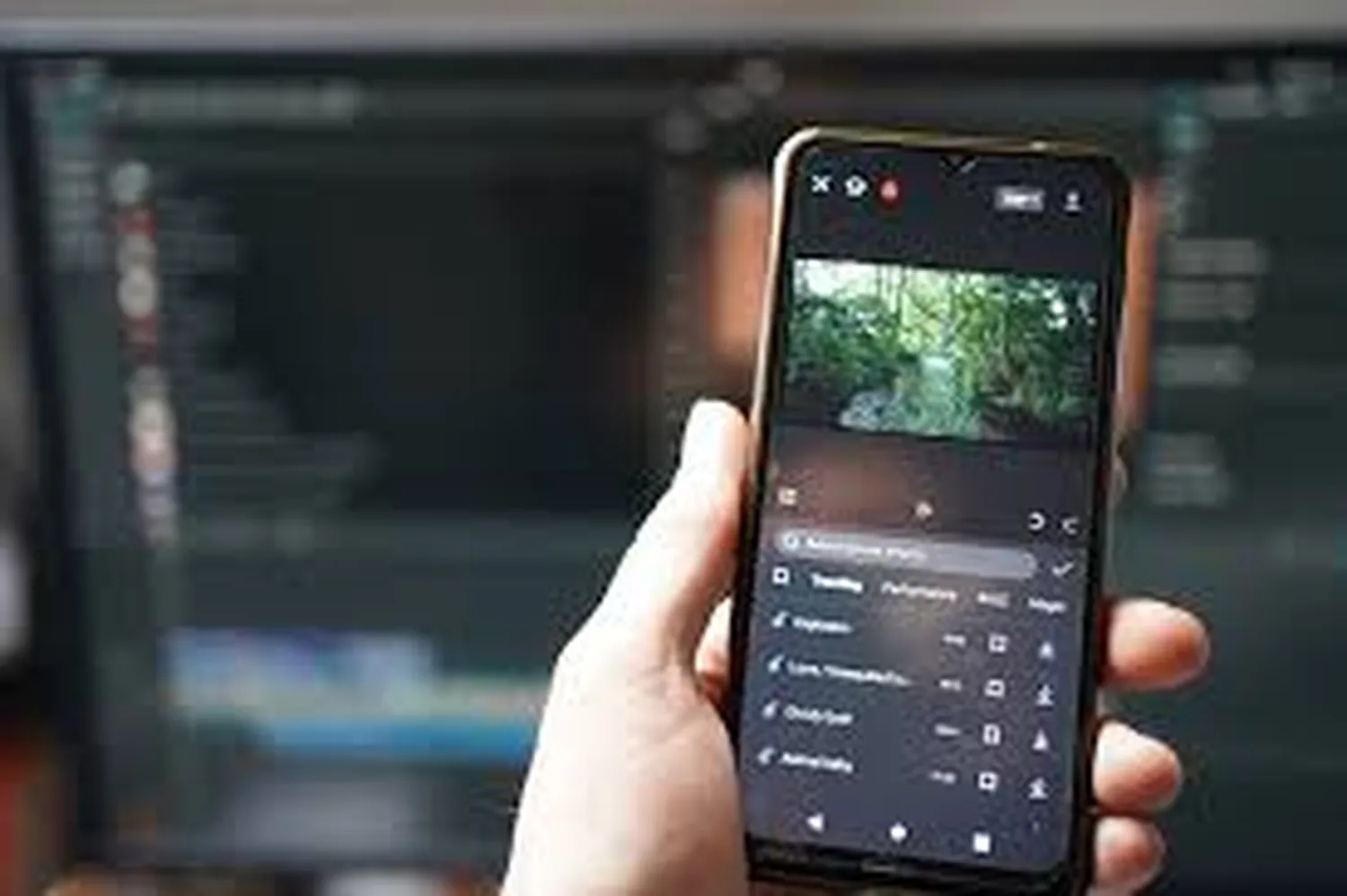
In 2026, you don't need a massive budget or a $10,000 RED camera to top the charts. Most viral hits today are shot entirely on mobile devices. Learning how to make a professional music video on your phone is a game-changer for independent artists. By combining modern mobile sensors with the power of CapCut, you can achieve cinematic results that look like they were made in a high-end studio.
1. Essential Gear and Pre-Production
Before you hit record, you need a plan. A great video starts with a concept. If you are just starting out, you might also want to learn how to play guitar for beginners at home so you can feature your instrument skills in the video. For gear, you only need three things: your phone, a tripod, and good lighting.
| Equipment | Why It Matters |
|---|---|
| Smartphone | Must support 4K recording. |
| External Light | Natural light or cheap LED ring light. |
| CapCut App | For professional-grade post-production. |
2. Cinematic Shooting Techniques
To understand how to make a professional music video, you must master lighting. Never use your phone's digital zoom as it ruins the quality. Instead, walk closer to your subject. Use the "Rule of Thirds" to frame your shots. If you encounter any tech issues while filming, like your Instagram keeping stopping error affecting your live behind-the-scenes, clear your cache immediately to keep the workflow smooth.
- Shoot in 24fps for a "film" look or 60fps for smooth slow motion.
- Clean your lens with a microfiber cloth before every shot.
- Lock your Focus and Exposure (AE/AF Lock) to prevent flickering.
3. Professional Editing in CapCut
CapCut is the best tool for this. Import your footage and the high-quality MP3 of your song. If you don't have the audio file yet, you can learn how to download high-quality MP3 songs from YouTube to get your track ready for the timeline. Sync the video to the beats of the music manually for the best impact.
In CapCut, use the "Graphs" feature for smooth transitions and the "HSL" tool for cinematic color grading. If you are an artist, make sure to verify your artist profile on Spotify so you can link your new video to your official music page.
4. Making Your Video Go Viral
Once your video is finished, you need people to see it. The best strategy for 2026 is to create "Shorts" versions of your music video. Use the tips on how to get more views on YouTube shorts to maximize your reach. High contrast thumbnails and engaging hooks in the first 3 seconds are non-negotiable.
Frequently Asked Questions (FAQs)
Can a smartphone really make a pro music video?
Absolutely. Most modern smartphones have better sensors than professional cameras from 10 years ago. Lighting and editing are what make it look "pro."
Is CapCut free for commercial use?
CapCut has a free version that is very powerful, though some advanced AI features require a Pro subscription.
Conclusion
Mastering how to make a professional music video using only a smartphone and CapCut is about creativity, not expensive gear. Start with a solid plan, shoot with intent, and use the professional tools inside CapCut to polish your vision. Once your video is live, you can even cast your phone screen to a TV to show off your hard work to your fans!