





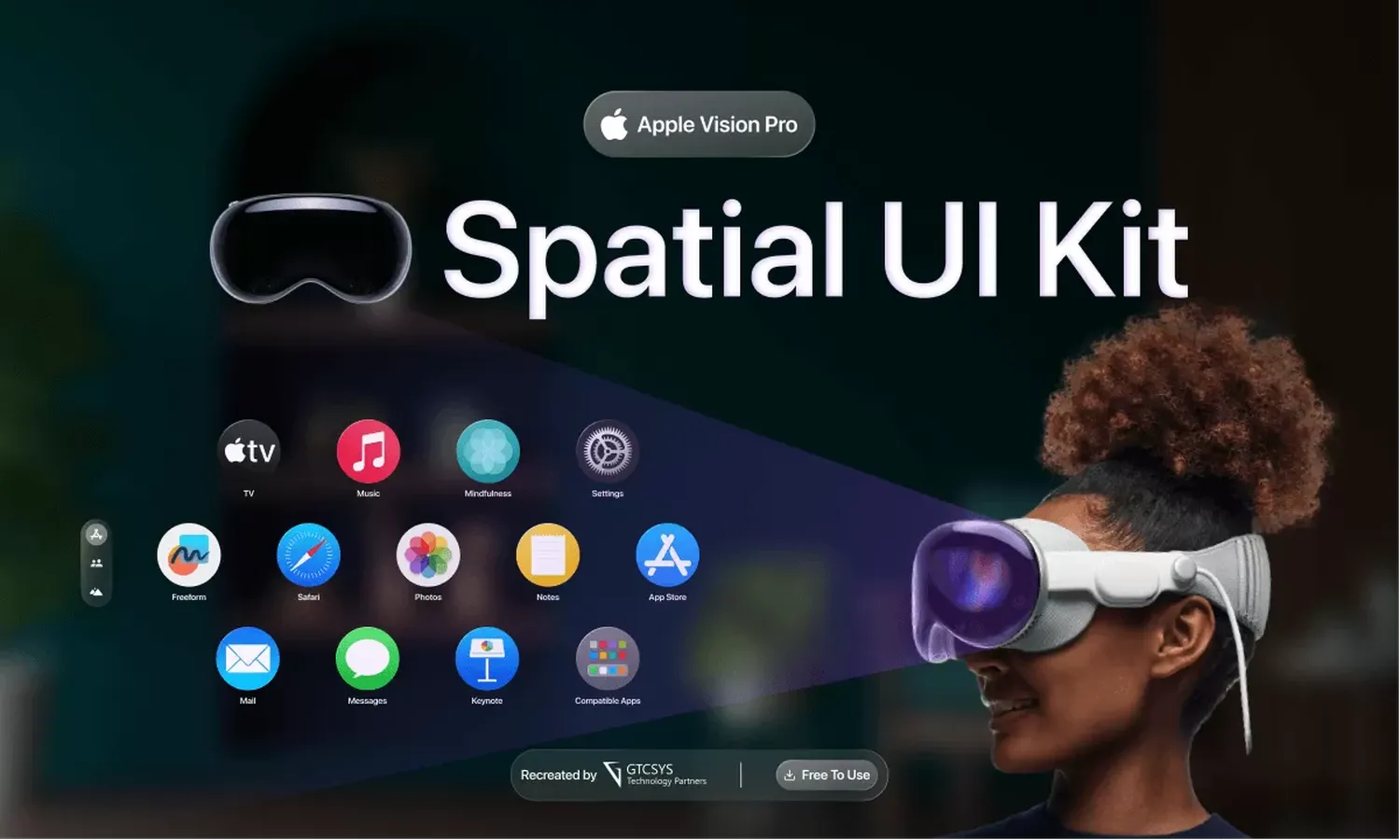
As we move deeper into 2026, the transition from flat screens to immersive environments is no longer a futuristic concept—it is a design requirement. Learning how to design user interfaces for spatial computing requires a fundamental shift in how we perceive the canvas. In Mixed Reality (MR), the user’s physical room becomes the interface, necessitating a deep understanding of depth, light, and human ergonomics.
1. Spatial Design Fundamentals: Beyond the Grid
In traditional web design, we work within a fixed aspect ratio. In spatial computing, we work with volumetric space. When you begin to develop AR filters for marketing, you must consider how objects behave when a user moves around them. According to Apple's Spatial Guidelines, the use of Z-axis depth is essential to create a hierarchy that feels natural rather than cluttered.
2. Ergonomics: The "Comfort Zone"
Unlike a smartphone held in hand, spatial interfaces can cause physical fatigue if designed poorly. Designers must place primary interactive elements within the "optimal field of view"—usually within 30 degrees of the user's central gaze. Elements placed too high or too low lead to neck strain. Research by the Nielsen Norman Group suggests that user comfort is the #1 predictor of long-term MR adoption.
| Zone Type | Distance (Meters) | Best Use |
|---|---|---|
| Direct Interaction | 0.3m - 0.5m | Virtual keyboards, touch buttons |
| Optimal View | 1.0m - 2.5m | Main content panels, video players |
| Peripheral/Context | Over 3.0m | Background environments, notifications |
3. Multimodal Interaction: Eyes, Hands, and Voice
Mixed Reality relies on a combination of inputs. The most successful UIs in 2026 utilize Eye Tracking for selection and Hand Gestures for manipulation. For example, when you design user interfaces for spatial computing, a "pinch" gesture is often the equivalent of a mouse click. Developers can look at Microsoft’s Mixed Reality documentation for deeper interaction models.
- Eye Gaze: Passive targeting and hover states.
- Hand Tracking: Direct manipulation (grabbing) and indirect gestures (pinching).
- Voice Commands: Ideal for complex searches or hands-free actions.
4. Visual Language: Glassmorphism and Depth
To ensure digital objects feel grounded in the real world, designers use "Glassmorphism." This involves semi-transparent materials that adopt the colors and lighting of the user's physical environment. This is crucial for maintaining a "Green IT" strategy by reducing the need for high-brightness, solid-color renders. If you are learning how to build a sustainable Green IT strategy, optimizing spatial shaders is a great place to start.
5. Overcoming Technical Barriers
The complexity of rendering 3D interfaces in real-time requires massive data throughput. This is where utilizing 6G technology becomes a game-changer, allowing for low-latency spatial anchors. Furthermore, security is paramount; just as you would secure a smart home IoT network, spatial interfaces must protect user room-mapping data from unauthorized access.
Frequently Asked Questions
What is the best font size for Spatial UI?
Font size is measured in angular degrees rather than pixels. A common standard is a minimum of 20-25 points at a 1-meter distance for readability.
Should I use 2D windows in a 3D space?
Yes. Familiarity helps users. Using "planar" windows for text-heavy content and 3D volumes for objects is the current best practice.
Conclusion
Successfully learning how to design user interfaces for spatial computing and Mixed Reality means embracing the chaos of the physical world. By focusing on ergonomic comfort, multimodal inputs, and realistic visual depth, you can create immersive experiences that feel like a natural extension of reality. As hardware evolves, the designers who prioritize human-centric spatial principles will lead the next generation of computing.