





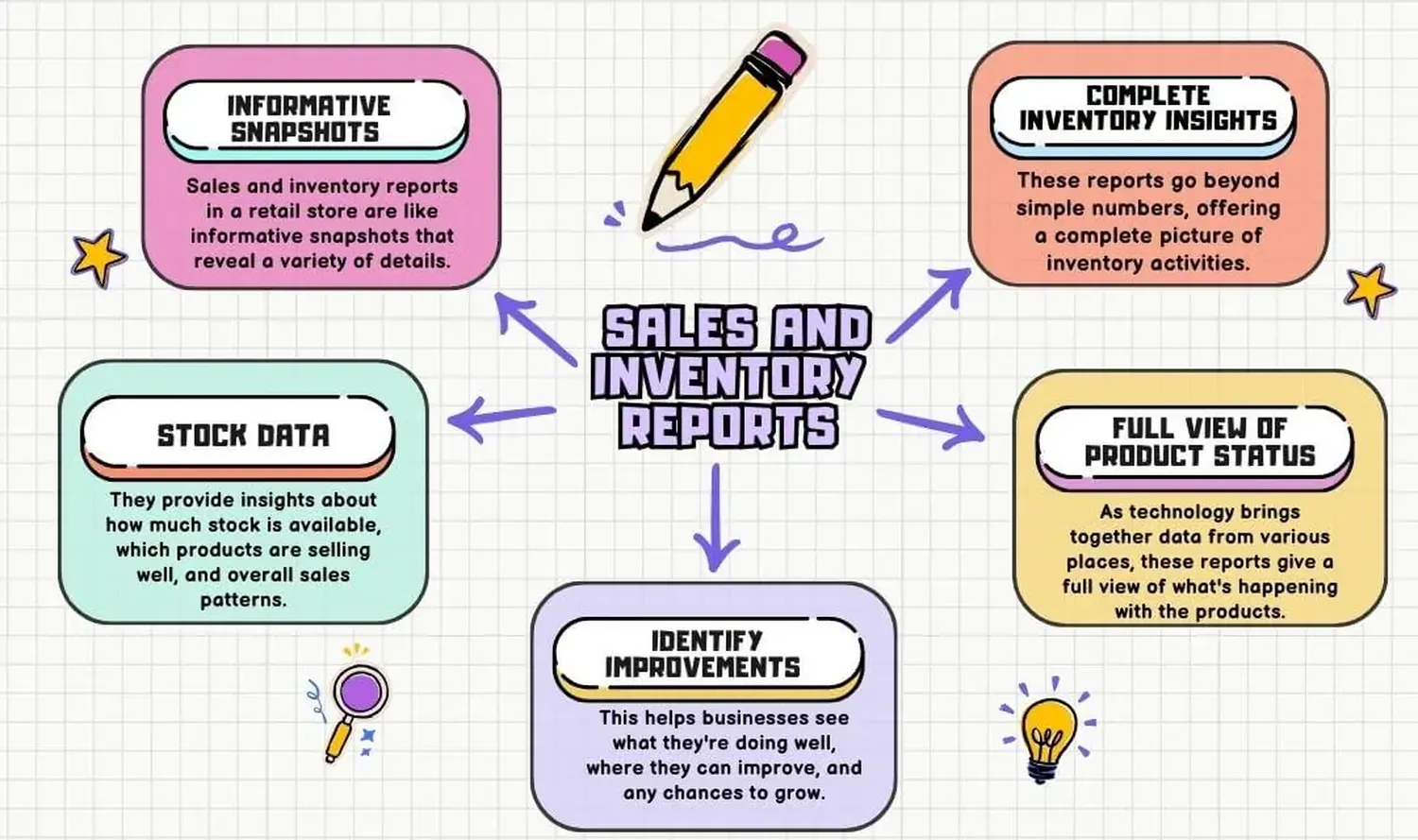
Running a successful storefront requires structured financial control and clear stock visibility. Learning how to track daily sales and inventory in a retail store keeps your business profitable, minimizes stockouts, and stops financial leakages instantly. Without explicit logs, small businesses risk experiencing massive cash discrepancies and unexplainable stock shrinkage.
By using modern methodologies like real-time Point of Sale integration alongside simple store sheets, store owners gain absolute clarity over their operations. Below is an optimization guide that explains how to track daily sales and inventory in a retail store effectively.
The Importance of Sales and Stock Tracking
Many independent retailers lose up to 1.5% to 2% of their total potential revenue purely due to administrative tracking issues, misplaced stock, and undocumented transactions. When you master your numbers, you learn how to balance your investment between incoming capital and stored products. This practice lays down a foundation if you intend to reduce operational costs through efficient inventory management seamlessly.
Furthermore, maintaining high-accuracy tracking sheets safeguards your cash register from human errors. Knowing your exact inventory turnovers protects your supply chains, keeping your customers satisfied because their preferred merchandise never runs out unexpectedly.
Step-by-Step Retail Tracking Framework
To successfully log your retail operations daily without breaking your staff's workflow, implement this chronological four-part framework before, during, and after operational business hours.
1. Define Your Opening Baseline Balance
Every morning, count the cash floor float placed inside your cash drawer register. Ensure it matches your structural books exactly. Note down any custom opening stock numbers for fast-moving items on your shelf spaces before unlocking the front door for customers.
2. Capture Each Checkout Instantly
Never allow your staff to write down purchases late or fulfill transactions purely from memory. Every time an item leaves your shop floor, it must be logged. Many growing enterprises learn how to integrate a digital receipt system for a small business to capture sales variations automatically across payment networks like cash, mobile deposits, and card processors.
3. Execute Daily Closing Reconciliations
At closing time, total up all receipt batches. Run a cash drawer count and contrast that number against your data log summaries. If discrepancies pop up, check for double charges, skipped cash balances, or missing cash receipts.
4. Update Inventory Minimum Reorder Levels
Deduct total quantities sold from your starting master list numbers. If a specific SKU dips below your set threshold level, schedule a reorder form immediately. If your business scales up to multiple storefronts, you should consider learning how to manage multiple business branches from one dashboard to maintain accurate inventory transfers without manual data re-entry.
Key Performance Indicators to Record
A reliable retail database must record quantitative values daily. Focus on clean metrics that provide deeper insight into your daily revenue patterns, operational margins, and stock balances.
| Metric Component | Target Focus | Tracking Interval |
|---|---|---|
| Gross Sales Total | Overall revenue incoming | Daily at Closing |
| SKU Unit Deduction | Stock physical count match | Per Transaction |
| Shrinkage Discrepancy | Lost or broken goods cost | Weekly Audits |
| Payment Splits | Cash vs digital ratios | Daily Reconcile |
Manual Tracking vs System Automation
While low-volume startups can easily track sales numbers manually using spreadsheet logs or physical ledgers, scaling up your store turns manual record-keeping into a bottleneck. Human logs naturally invite entry errors, slow down customer lines, and often leave managers in the dark regarding true shrinkage rates.
Upgrading your store to a cloud-based digital architecture solves these visibility challenges. By choosing to automate business operations using custom software, you sync your checkout registers directly with your stock storage databases. This provides your management team with live updates, automatic purchase triggers, and instant financial reports from any browser window.
For more detailed compliance standards and small business management methodologies, review the regulatory frameworks provided on the U.S. Small Business Administration Official Portal.
Frequently Asked Questions
What is the easiest method for small retailers to track daily sales and inventory?
The easiest method is using cloud-hosted POS software that automatically updates inventory levels with every sales checkout transaction.
How often should a brick-and-mortar store perform physical stock counts?
Retailers should leverage cycle counting weekly for top-selling items and complete comprehensive full physical inventory tracking sheets monthly or quarterly.
Why is there usually a difference between sales logs and physical inventory values?
Discrepancies are usually driven by retail shrinkage, admin input errors, broken merchandise, unrecorded returns, or internal operational leaks.
Establish Your Tracking Routine Today
Setting up daily tracking routines transforms how you manage your storefront's cash flow and product lifecycle. Whether you launch using an inventory tracker spreadsheet or install a highly scalable custom Point of Sale application, consistency remains your most valuable strategy. Clean tracking eliminates guesswork, maximizes product turnover, and builds a sustainable, highly profitable retail brand.