





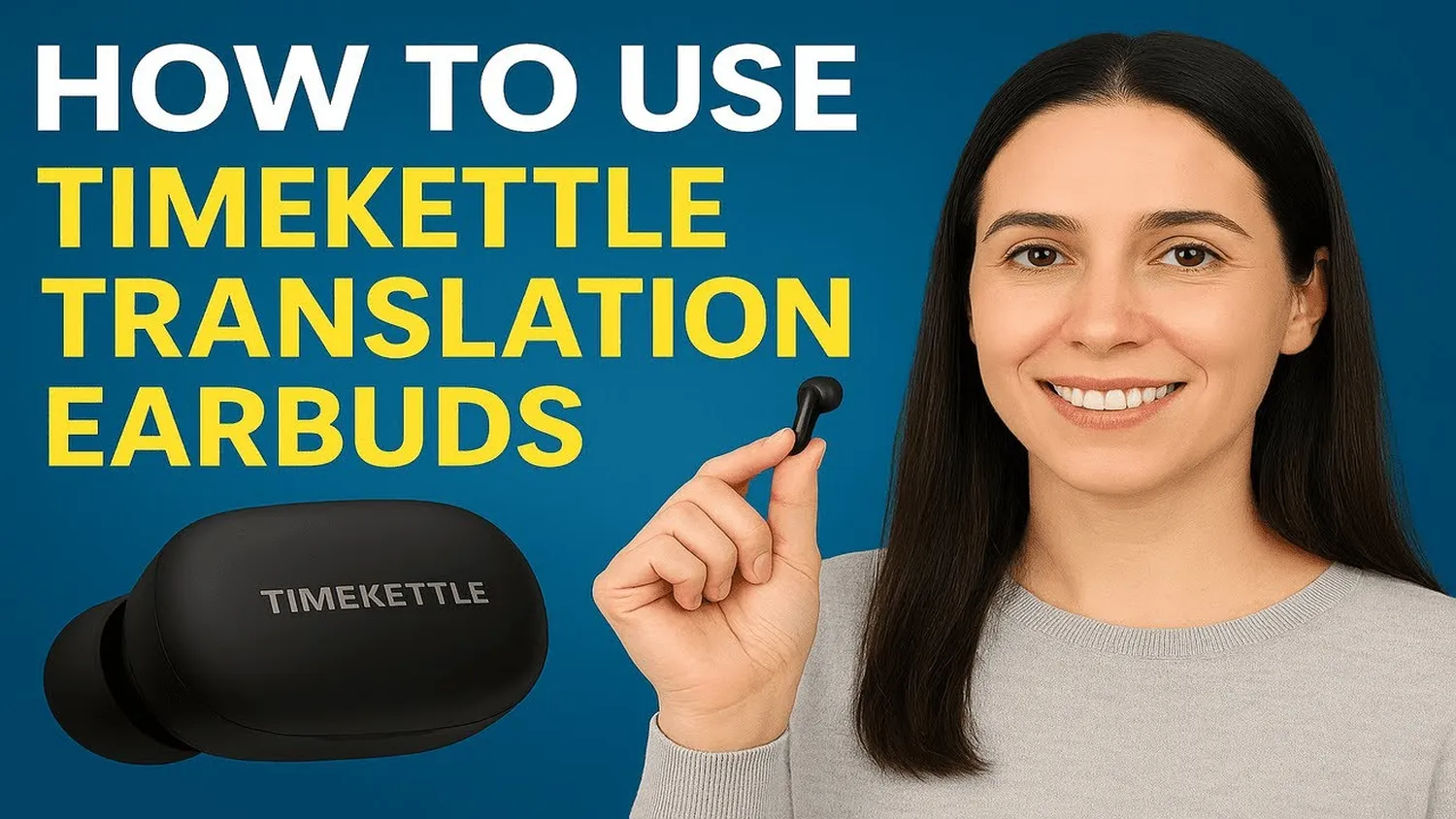
Learning how to set up a real-time translation earbud is becoming as vital as carrying a charger in our globalized world. These AI-driven devices allow two people to speak different languages while hearing the translation instantly. Whether you are using Timekettle, Google Pixel Buds, or Vasco models, the core process remains similar but requires precision for the best accuracy.
Proper configuration ensures that the 0.5-second latency typical of 2026 models is maintained. Before starting, ensure your smartphone is updated, much like how you would troubleshoot Starlink 2.0 connectivity issues to keep your internet bridge stable for cloud-based translations.
Step-by-Step Setup: How to Set Up a Real-Time Translation Earbud
- Power and Charging: Ensure both earbuds and the case are at 100% battery. AI translation consumes more power than standard music playback.
- Bluetooth Pairing: Open your phone's Bluetooth settings. Press the pairing button on your earbud case until the LED flashes, then select the device from your phone's list.
- Install the Companion App: Every translation earbud requires a specific app (e.g., Timekettle, WT2 Plus). Download it from the App Store or Google Play.
- Grant Permissions: Allow the app to access your microphone and Bluetooth. Without these, real-time processing will fail.
- Firmware Update: Check for updates immediately. Manufacturers frequently release patches to improve linguistic nuances.
| Feature | Standard Setting |
|---|---|
| Latency | 0.5s - 1.2s |
| Connectivity | Bluetooth 5.3+ |
| Battery Need | High (AI Processing) |
Choosing the Right Translation Mode
Once you know how to set up a real-time translation earbud, you must choose a mode that fits your environment:
- Simultaneous Mode: Best for quiet 1-on-1 meetings. Both parties wear one earbud.
- Touch Mode: Ideal for noisy streets. You tap the earbud to speak, ensuring the AI only captures your voice.
- Speaker Mode: Use this when you don't want to share an earbud. You wear the earbud, and the translation plays through your phone's speaker.
If you are a tech enthusiast, you might find that the pairing process is quite similar to how to connect smart glasses to my laptop for AR coding, where hardware-to-app synchronization is key.
Troubleshooting and Performance Tips
If your device isn't translating correctly, consider these factors:
- Internet Stability: Most earbuds use cloud engines. If your connection is weak, download "Offline Language Packs" in the app settings.
- Battery Management: Just as you optimize battery life on a wearable AI pin, closing background apps on your phone can save energy during long translation sessions.
- Mic Placement: Ensure your hair or clothing isn't covering the earbud's external microphones.
Frequently Asked Questions (FAQs)
Can I use translation earbuds without a phone?
Most models require a smartphone app to handle the heavy AI processing, though some standalone "Pro" versions are emerging in 2026.
How many languages can I set up?
Most top-tier earbuds support over 40 languages and 93 accents. You can switch between them instantly in the app.
Are they waterproof?
Most have an IPX4 rating (sweat-resistant), but they are not designed for heavy rain or swimming.
Conclusion
Mastering how to set up a real-time translation earbud removes the stress of language barriers. By following the correct pairing and mode selection steps, you can enjoy fluid conversations anywhere in the world. As AI hardware evolves, also learn how to use Google Lens for real-time interior design to see how vision and audio AI are merging to simplify our daily lives.