





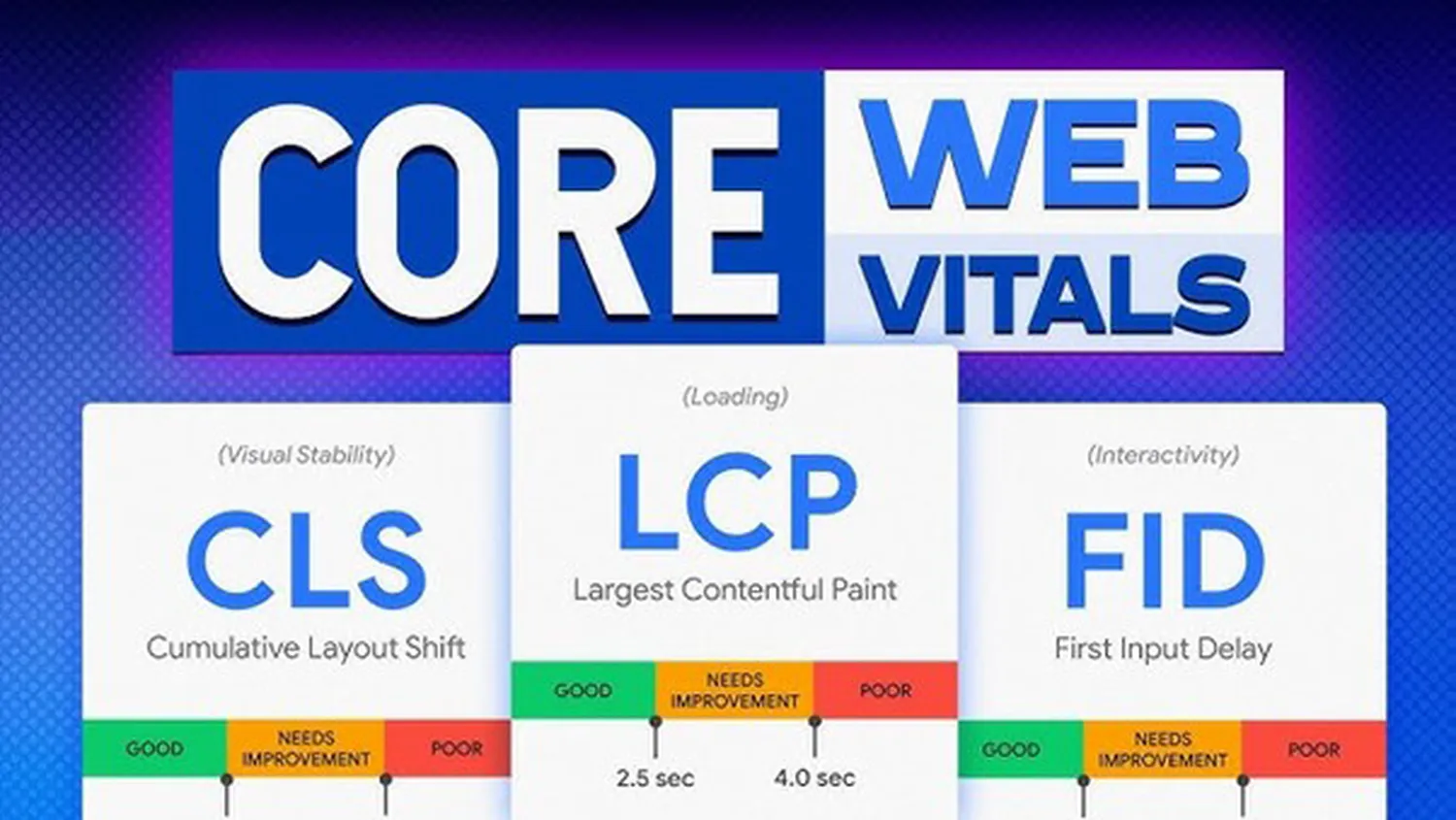
Learning how to optimize React applications for Core Web Vitals in 2026 is no longer just about speed; it is about user experience and search ranking. Google’s algorithms have shifted focus significantly toward responsiveness. If your application feels sluggish or jumps around while loading, your SEO will suffer. This guide breaks down the technical shifts required to keep your React frontend ahead of the curve.
Understanding Core Web Vitals in 2026
In 2026, Interaction to Next Paint (INP) has fully replaced First Input Delay (FID) as the primary metric for responsiveness. While you work on your frontend, you might find that you also need to know how to deploy a full-stack application using serverless architecture to ensure your backend response times don't drag down your LCP scores.
| Metric | Target (Good) | Focus Area |
|---|---|---|
| LCP | < 2.5s | Visual Loading |
| INP | < 200ms | Responsiveness |
| CLS | < 0.1 | Visual Stability |
Optimizing Largest Contentful Paint (LCP) in React
LCP measures when the largest element on the screen becomes visible. In React, heavy JavaScript bundles are often the enemy. To fix this, use fetchPriority="high" for your main banner images. Furthermore, understanding how to use prompt engineering to automate coding tasks can help you quickly generate optimized image components that handle lazy-loading and WebP formats automatically.
Mastering Interaction to Next Paint (INP)
INP is the most challenging metric for many React developers. It tracks the delay of every interaction during a user's visit. To keep INP low:
- Use
useTransition: Wrap non-urgent state updates to avoid blocking the main thread. - Debounce Inputs: Never run heavy logic directly inside an
onChangehandler. - Web Workers: Move heavy data processing out of the React rendering loop.
Efficient state management is key here. Just as you would fine-tune a Large Language Model (LLM) with private data to get specific results, you must fine-tune your React components to only re-render when absolutely necessary.
Reducing Cumulative Layout Shift (CLS)
CLS happens when elements move unexpectedly. In React, this is often caused by data fetching. Always reserve space for your components. Use "Skeleton Screens" instead of empty divs while waiting for an API response. This ensures that when the content finally arrives, it doesn't push other elements down the page.
Server-Side & Hybrid Strategies
React Server Components (RSC) have become the standard for performance in 2026. By moving the heavy lifting to the server, you reduce the amount of JavaScript sent to the client. This is a critical step in how to optimize React applications for Core Web Vitals. If you are building complex tools, you might also look into how to integrate generative AI into existing SaaS workflows without bloating your client-side bundle.
Frequently Asked Questions
Does React 19 improve Core Web Vitals automatically?
It provides better tools like Transitions and Actions, but developers must still implement them correctly to see LCP and INP improvements.
Why is INP more important than FID?
FID only measured the very first interaction. INP measures all interactions, providing a more accurate picture of a page's actual usability.
Summary for 2026 SEO
To rank #1, your React site must be light. Prioritize Server Components, minimize third-party scripts, and ensure your security is tight. For example, learning how to implement a Zero Trust security framework ensures that your performance-optimized app is also safe for enterprise-level users.