





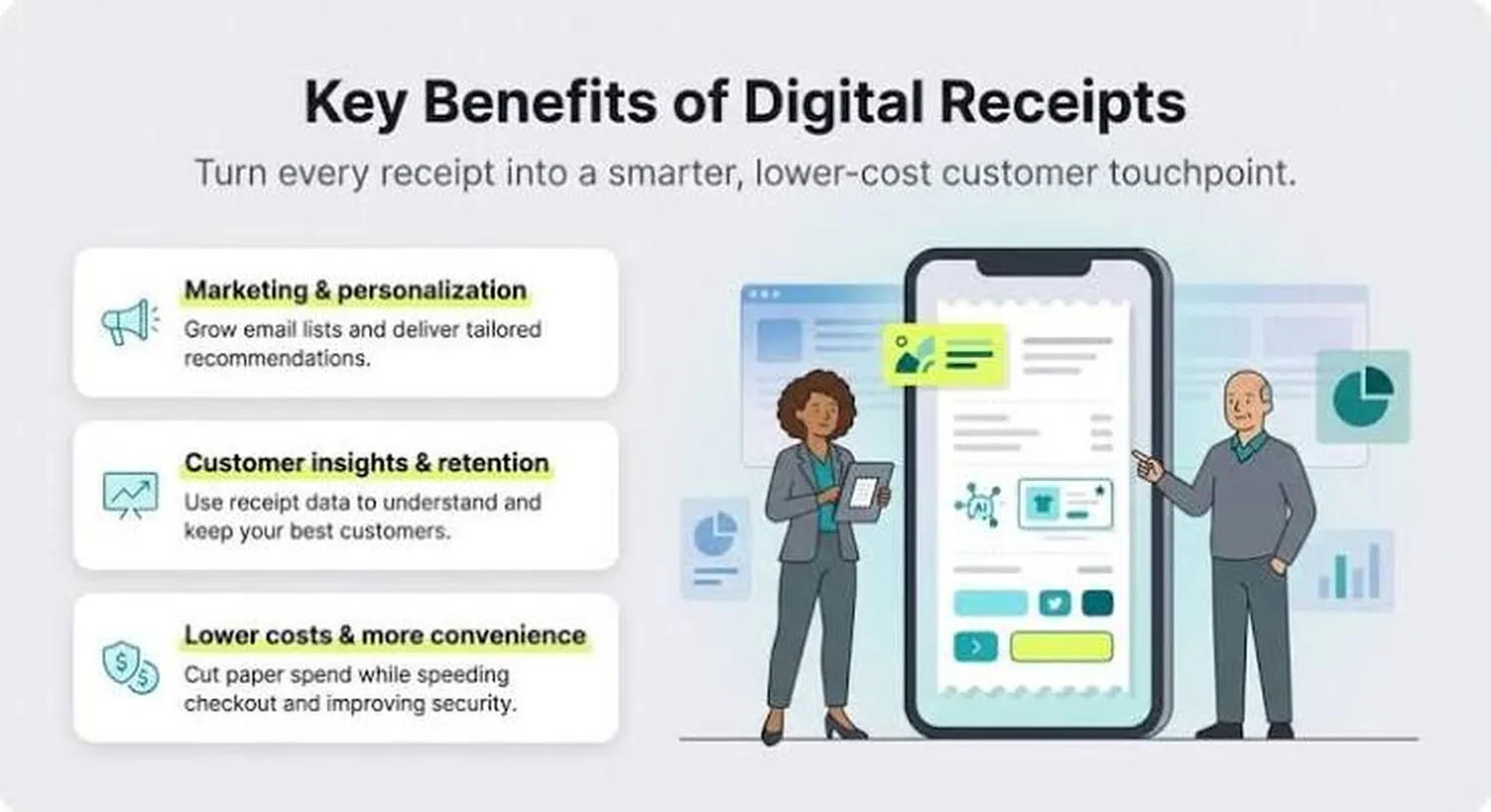
Transitioning from paper-based transactions to electronic transaction logs is an essential milestone for modern growing enterprises. Learning how to integrate a digital receipt system for a small business goes far beyond simply dropping paper receipt tape; it creates an immediate digital connection to your client base, trims recurring physical operational outlays, and streamlines back-office ledger balances. Building this automated infrastructure ensures your checkout counter runs accurately and matches modern customer expectations from day one.
Whether your long-term goal is to figure out how to track daily sales and inventory in a retail store or completely transition your operation to paperless documentation, deploying a structured receipt delivery channel helps safeguard transactions, keeps files organized, and supports future expansion plans.
1. Strategic Benefits of E-Receipt Systems
Deploying paperless transaction notifications provides distinct operational advantages over thermal paper processing. Business owners usually choose digital receipt software to hit key efficiency targets:
- Cost Minimization: Cuts recurring store spending on specialty thermal paper rolls, mechanical printhead replacements, and storage bins.
- Marketing Connectivity: Turns a simple sales ticket into an interactive engagement platform containing links to product reviews or upcoming promotions.
- Ledger Synchronization: Updates accounting ledgers instantly, removing human entry mistakes during end-of-day cash reconciliation.
- Customer Convenience: Sends durable, searchable invoices directly to a customer's personal device, making returns or warranty claims completely painless.
If you intend to run several storefronts smoothly, these digital delivery pipelines simplify multi-location tracking. This matches the workflow needed when learning how to manage multiple business branches from one dashboard without manual data exports.
2. Auditing POS Infrastructure and Software
Your current sales terminals and processing setups dictate your exact software deployment path. Small retail setups typically approach digital document integration through two distinct infrastructure models:
Native POS Module Activation: Modern tablet or cloud-based point-of-sale platforms already include built-in digital delivery options. Activating these tools is often as simple as turning on data capture fields in your settings dashboard and linking an email delivery service.
Custom API Bridge Integrations: Older legacy checkout systems require a dedicated middleware connection or software plugin to read checkout events. This setup uses custom hooks to grab payment details right at checkout, sending the invoice data to third-party text or email distribution channels instantly.
For specialized or growing business models, setting up this link is a natural extension of learning how to automate business operations using custom software to eliminate manual paperwork entirely.
3. Step-by-Step System Deployment
Building a smooth digital receipt process requires completing several key technical configuration steps:
- Select Your Gateway Software: Choose a digital management platform that integrates smoothly with your current transaction registers.
- Design HTML Templates: Create clean, responsive receipt formats that render clearly on mobile screens and include mandatory tax and item breakdowns.
- Configure Delivery Webhooks: Link secure automated mail servers or SMS gateways to guarantee delivery happens within seconds of a swiped card.
- Position Customer Entry Hardware: Install clear customer-facing screens or tablets at your counter so clients can enter their contact info quickly and privately.
- Establish Archive Backups: Set up automated cloud folders to securely store electronic records for easy tax auditing later.
4. Cost Analysis and Resource Matrix
Implementing an electronic invoice platform involves small monthly software subscriptions along with occasional up-front hardware upgrades. The table below outlines typical investment parameters for standard configurations:
| Integration Scale | Primary Tools Needed | Average Initial Cost |
|---|---|---|
| Cloud POS Plugin | Built-in Module Software | $15 - $45 /mo |
| Mid-Tier Hardware Upgrade | Customer Tablets & Stand | $150 - $350 once |
| Custom API Development | Custom Webhooks & Gateway | $400 - $1,200 once |
Over time, these platforms pay for themselves by helping you save money elsewhere—similar to the savings found when discovering how to reduce operational costs through efficient inventory management by cutting unnecessary retail supply spending.
5. Data Privacy and Regulatory Compliance
Collecting personal contact information at checkouts brings significant responsibilities regarding consumer data protection. Businesses must follow strict storage guidelines to stay compliant with local and national privacy regulations like the Federal Trade Commission (FTC) consumer protection acts.
Never mix receipt delivery fields with promotional marketing lists without clear, explicit opt-in confirmation from the customer. Ensure your databases use strong encryption for saved email addresses and phone numbers. Transaction summaries must obscure card numbers, displaying only the final four digits to maintain compliance with payment card industry safety standards.
6. Implementation and Testing Roadmap
Review this step-by-step roadmap detailing the estimated timing and tasks required to move your receipt system from initial software choice to full launch readiness:
- Day 1: Software Selection – Check current register compatibility and pick your digital management add-ons.
- Day 2: Template Setup – Write clean layout designs, add your brand logo, and verify tax compliance rows.
- Day 3: Script Testing – Run test sales to check that automated emails and texts trigger within 5 seconds of purchase.
- Day 4: Staff Training – Teach cashiers how to invite customers to opt for digital copies without slowing down check-out lines.
Frequently Asked Questions
What are the core steps to integrate a digital receipt system?
The core setup requires checking your current register compatibility, selecting a cloud software module, styling clear delivery formats, and connecting reliable email or text distribution channels.
How much does it cost to implement electronic receipts?
Standard cloud software additions run between $15 and $50 monthly. If your system requires custom API webhooks or extra front-counter tablets, initial setups can range from $200 to $1,200.
Are digital receipts legally acceptable for tax tracking?
Yes, revenue departments accept clear, unalterable digital files as official purchase proof, provided they display clear vendor data, accurate item costs, and applied local tax figures.
Conclusion: Building a Modern Transaction Framework
Learning how to integrate a digital receipt system for a small business provides an efficient, paperless foundation for your daily sales workflow. Removing old-fashioned processing habits lowers material overhead and helps keep your transaction records secure and well-organized. Keeping your delivery setups fast, clean, and fully compliant builds a professional checkout experience that protects your business data and creates stronger customer loyalty over time.